


No Gear Needed: 12 Proven Strategies to Create Engaging Video Ads With Your Phone
Forget what you think you need to create video ads that sell. You don’t need fancy cameras or extra gear—just your smartphone and the right moves. These 12 proven strategies will show you how to make product videos with your phone that grab attention and drive action. Get ready to post your first free video classifieds on Vidifye and sell faster with video starting today. For more tips, check out this guide.
Smartphone Video Success
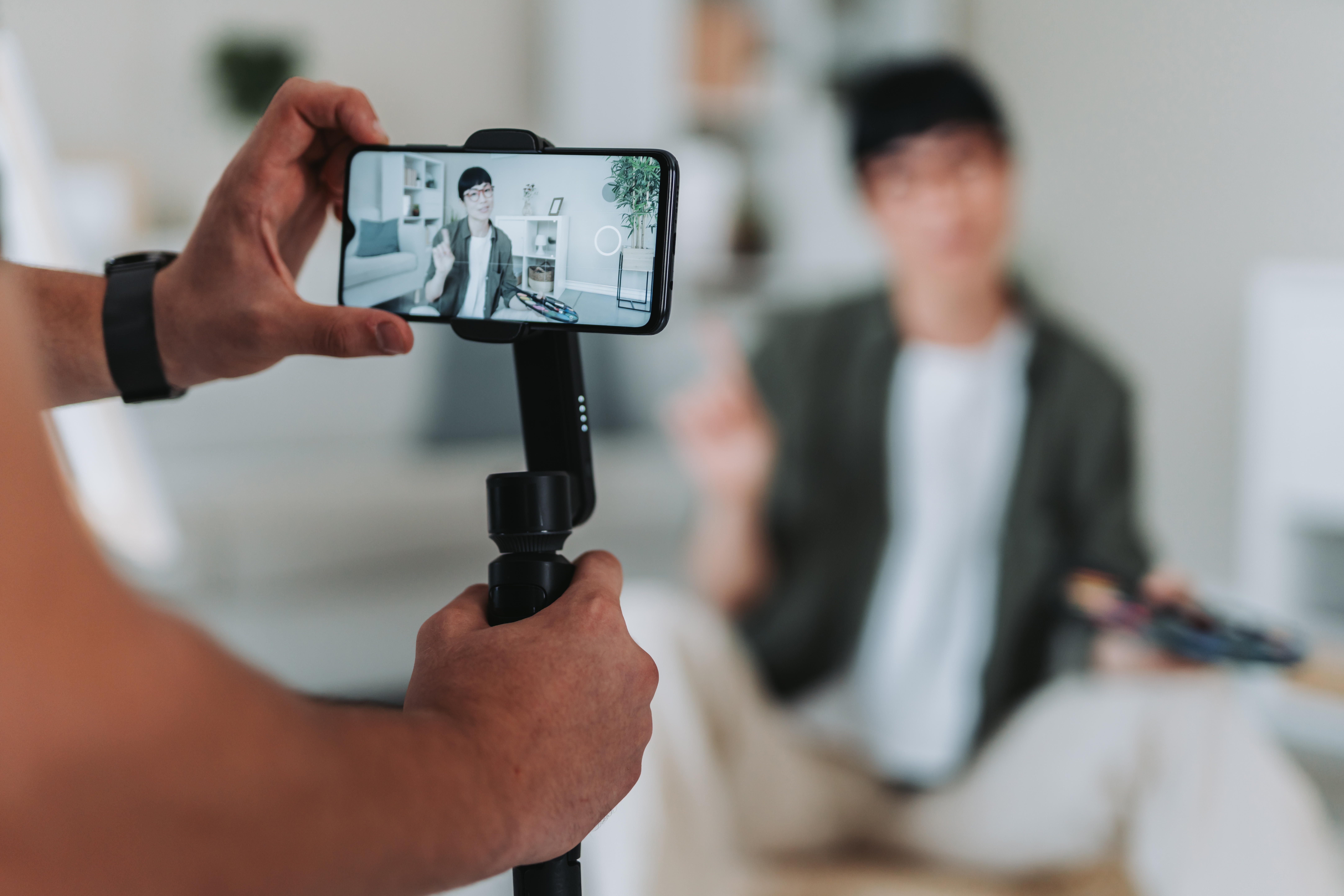
Capture Attention with Angles
Angles can be the secret to making your video stand out. Most people think they need a fancy setup, but you can start with just your phone. Try shooting from unique perspectives. Experiment with low and high angles to create interest. This keeps your audience engaged and curious about your product. A simple tilt or pan can reveal new details, making viewers want to see more.
Use your surroundings to frame your subject creatively. If you’re filming a car, get shots from the front, back, and sides. Try getting an angle from inside the car too. This gives potential buyers a complete view, helping them feel more connected to what they’re seeing. For more inspiration, check out these tricks.
Best Lighting for Phone Video
Great lighting can make or break your video. You don’t need expensive lights to get it right. Natural light is your best friend. Shoot during the golden hour—right after sunrise or before sunset. This light is soft and flattering. Make sure your subject faces the light source for the best results. If you’re indoors, use lamps or overhead lights to brighten up the space.
For even lighting, avoid harsh shadows by diffusing light through a sheer curtain or a piece of white fabric. Make sure your phone’s camera is clean and free of smudges. This small step can greatly improve clarity and brightness. Want more tips? Explore this resource.
Mobile Video Editing Tips
Editing your video on your phone is completely doable. Apps like iMovie or KineMaster can turn your raw footage into a polished piece. First, trim unwanted parts to keep your video concise. Add text overlays to highlight key features or prices. Music can also enhance your video—choose a track that fits your brand’s vibe.
Transitions between shots should be smooth. Fade-ins and fade-outs are simple yet effective. Keep your edits simple to maintain focus on the product. Remember, the aim is to highlight what makes your item worth buying. If you need more guidance, check out this article.
Crafting Compelling Content
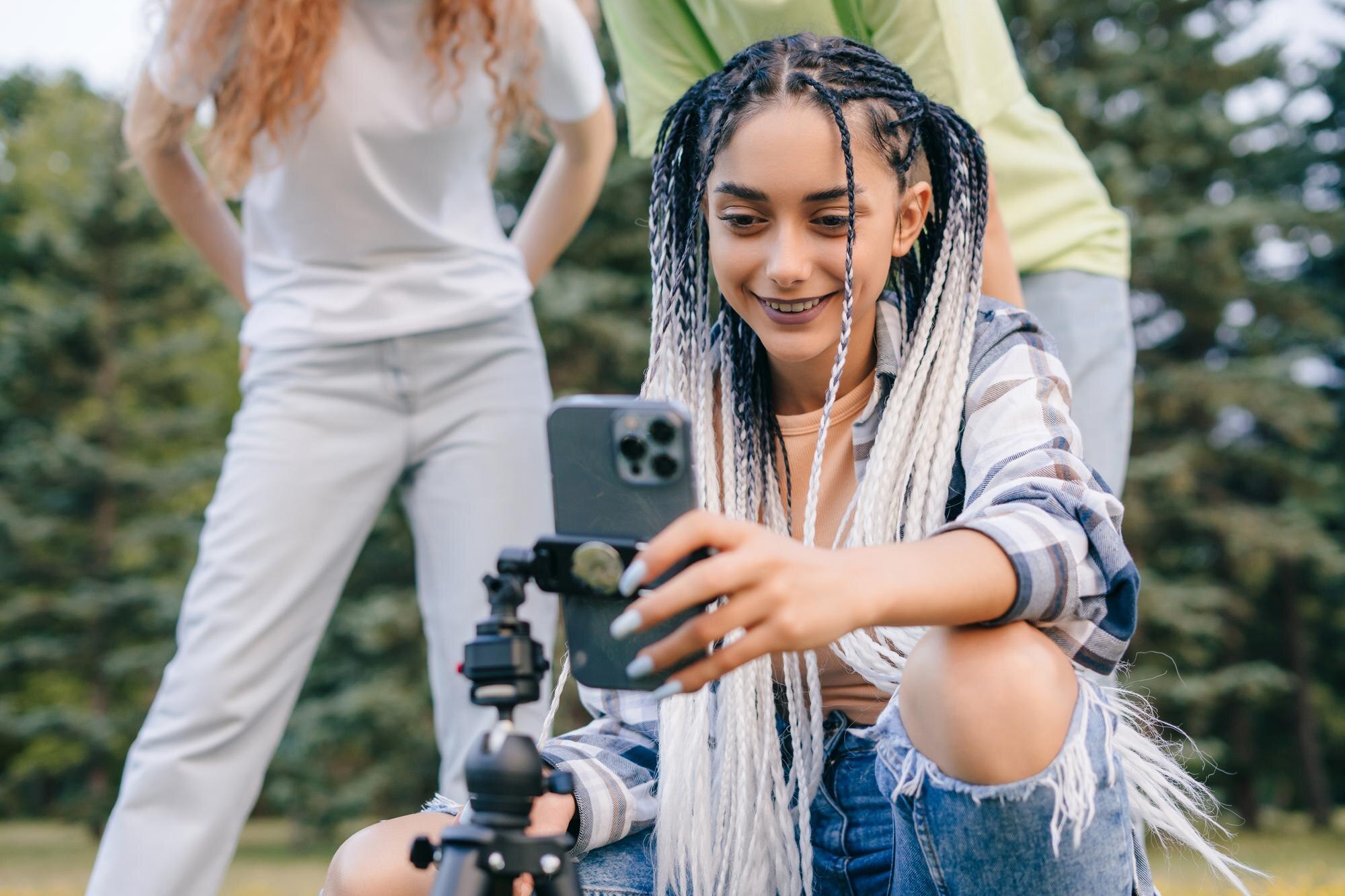
Engaging Storytelling Techniques
Stories stick with people. When creating your video, think about the story you want to tell. Maybe it’s about how your product solves a problem or makes life easier. Use a simple narrative arc: a problem, a solution, and a benefit. This structure helps viewers connect emotionally with your message.
Use a conversational tone. Speak directly to your audience as if you’re talking to a friend. This builds trust and makes your video more relatable. Include a call to action at the end. Encourage viewers to visit Vidifye to see more or to make a purchase. For further insights, this guide might help.
Video Selling Tips for Impact
Making an impact with your video is key. Start with a strong hook. Grab attention within the first few seconds. This could be a bold statement or an intriguing question. Make sure to showcase the unique selling points of your product clearly. Use close-ups to highlight details that set your product apart.
Use testimonials or reviews if possible. Hearing others’ positive experiences can sway potential buyers. End with a clear call to action. Direct viewers to Vidifye to check out your listing or to contact you directly. Explore more strategies in this article.
How to Make Product Videos with Your Phone
Your phone is a powerful tool for creating product videos. Start by planning your shots. Think about what features you want to highlight. Use the camera’s gridlines to keep your framing balanced. Stabilize your phone with both hands or use a simple tripod for steady shots.
Record in short clips rather than one long take. This makes editing easier and keeps your video dynamic. Pay attention to sound quality. If possible, use an external microphone or record in a quiet space. Concise and clear audio makes a big difference. For further assistance, check out this article.
Perfecting Your Video Ad
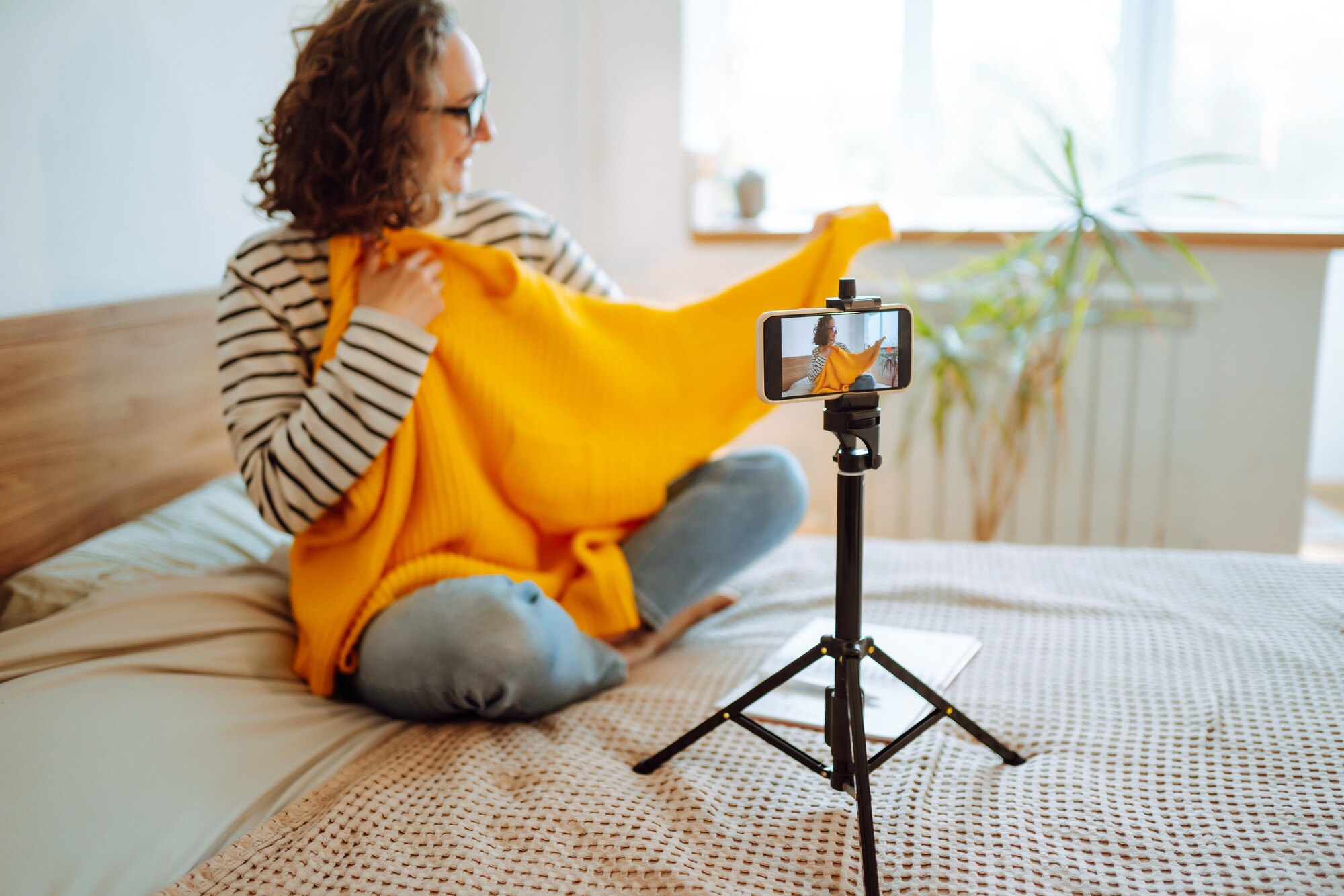
Powersports Video Ads Made Easy
Creating a video ad for powersports vehicles can be thrilling. Start with an action shot that showcases the vehicle in motion. This adds excitement and draws viewers in. Highlight key features like engine power or unique design elements. Use dynamic shots to capture the vehicle from different angles, emphasizing speed and agility.
Include sound bites of the engine revving or the product in action. These auditory elements can enhance the viewer’s experience. Conclude with a powerful call to action, inviting viewers to explore more on Vidifye. For more detailed tips, visit this article.
Automotive Video Walkaround Essentials
An effective automotive video walkaround should be thorough. Begin with an exterior shot, slowly circling the vehicle to capture all sides. Highlight unique exterior features like headlights or rims. Move to the interior, focusing on the dashboard, seats, and any tech features. Demonstrate how features work, such as the infotainment system or sunroof.
Add a personal touch by sharing what you love about the car. This can create an emotional connection with potential buyers. End with a call to action, directing viewers to your Vidifye listing for more details. Explore more strategies here.
Real Estate Video Tour Tips
A real estate video tour should make viewers feel like they’re walking through the property. Start at the front door and take them on a journey through each room. Highlight unique features like fireplaces, large windows, or outdoor spaces. Use wide shots to showcase open spaces and tight shots for details like fixtures or finishes.
Narrate your video to guide viewers through the property. Use descriptive language to paint a picture of living in the space. Conclude your video with a call to action, inviting viewers to contact you for a viewing or more information on Vidifye. For more guidance, check out this guide.
🎥✨📱