
How to Create a High-Impact Video Classified Ad Using Only Your Smartphone
Forget everything you know about selling with static photos. Your smartphone holds the key to creating video classifieds that grab attention and close deals fast. This quick guide shows you how to make a video ad that stands out, using just your phone—and post it free on Vidifye today. Get ready to sell faster with video and reach buyers who want what you’re offering. Check out more tips here.
Planning Your Video Classified Ad
To make a successful video classified ad, start by planning. A good plan can make your ad shine and grab attention.
Define Your Goals and Audience 🎯
Think about what you want to achieve with your ad. Are you selling a car or promoting a house? Knowing your goals helps you focus. Next, identify your audience. Who will be interested in what you’re selling? Understanding your audience allows you to tailor your message. Draw inspiration from successful examples, like this TikTok video that captures attention with its engaging format.
Consider what questions your audience might have. Address these questions in your video to make it more appealing. By defining your goals and audience, you’re setting the groundwork for a powerful ad.
Choose the Best Filming Location 🎥
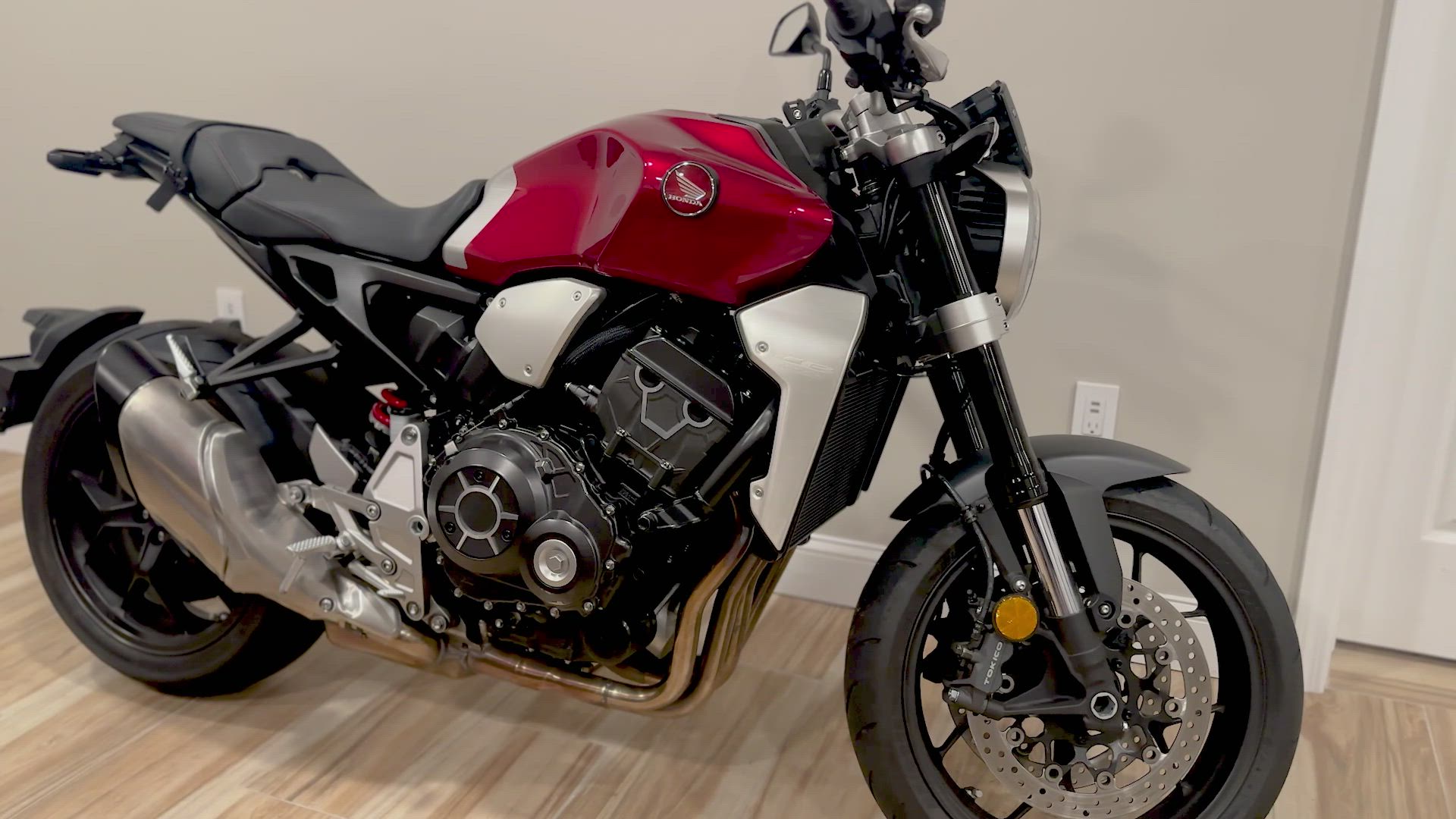
The right location can make your video stand out. Look for a place with good lighting and minimal noise. If you’re showcasing a car, filming outside on a sunny day can highlight its features. Indoor shots work well for smaller items, like jewelry.
Walk around your chosen location to find the best angles. Consider trying different spots until you find the perfect one. The background should not distract from the main item. The goal is to make your product the star of the show.
Craft a Compelling Script 📝
A well-written script keeps your video focused. Start by introducing yourself and what you’re selling. Keep it short and sweet. Highlight any unique features or benefits of the item. Use clear and simple language.
Include a call to action at the end. Let viewers know how they can contact you or where they can see the item. Practicing your script a few times can help you feel more confident when filming.
Shooting Your Video with a Smartphone
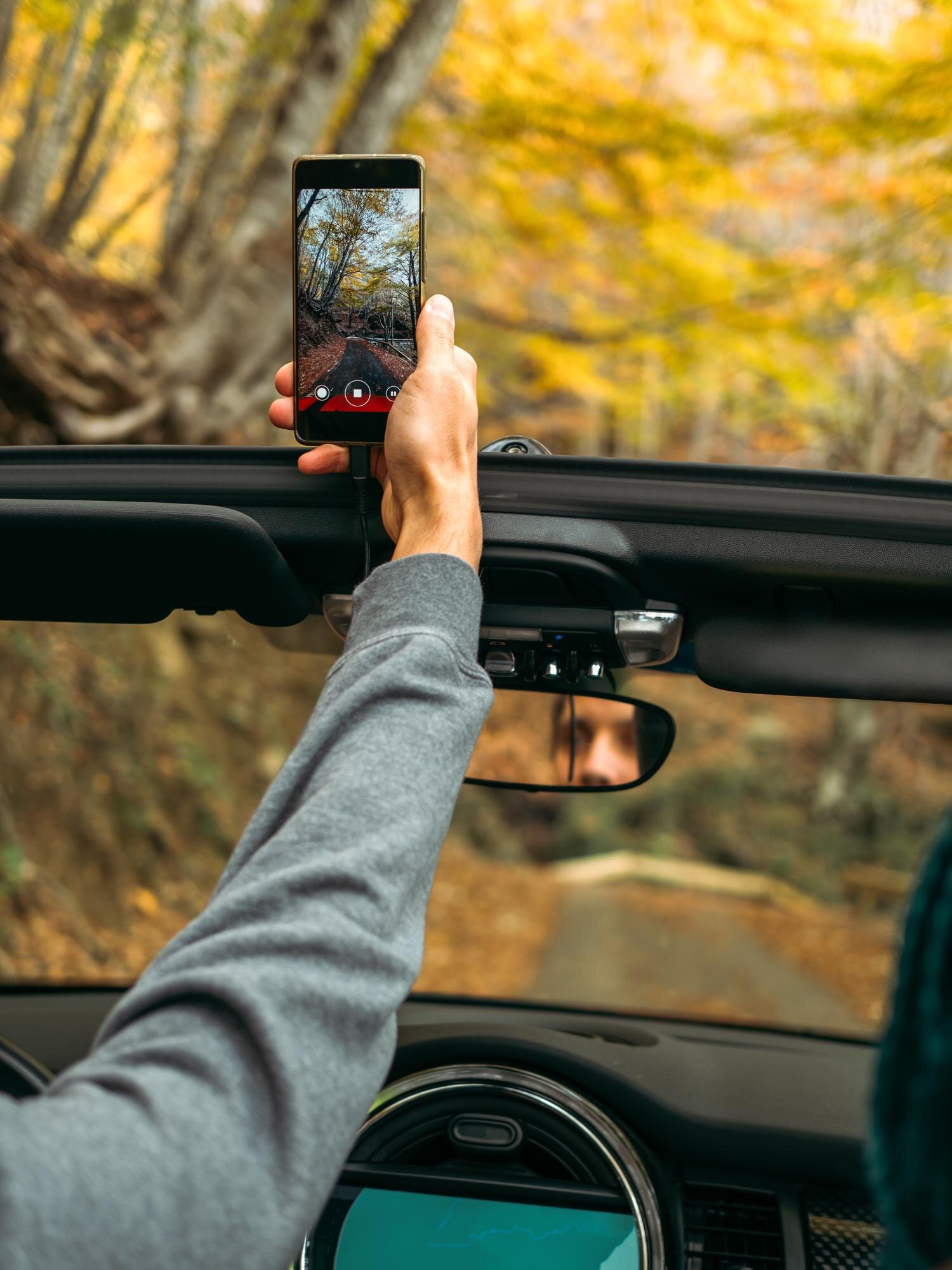
With your plan in place, it’s time to start shooting. Your smartphone is a powerful tool for creating quality videos.
Smartphone Video Tips for Quality 📱
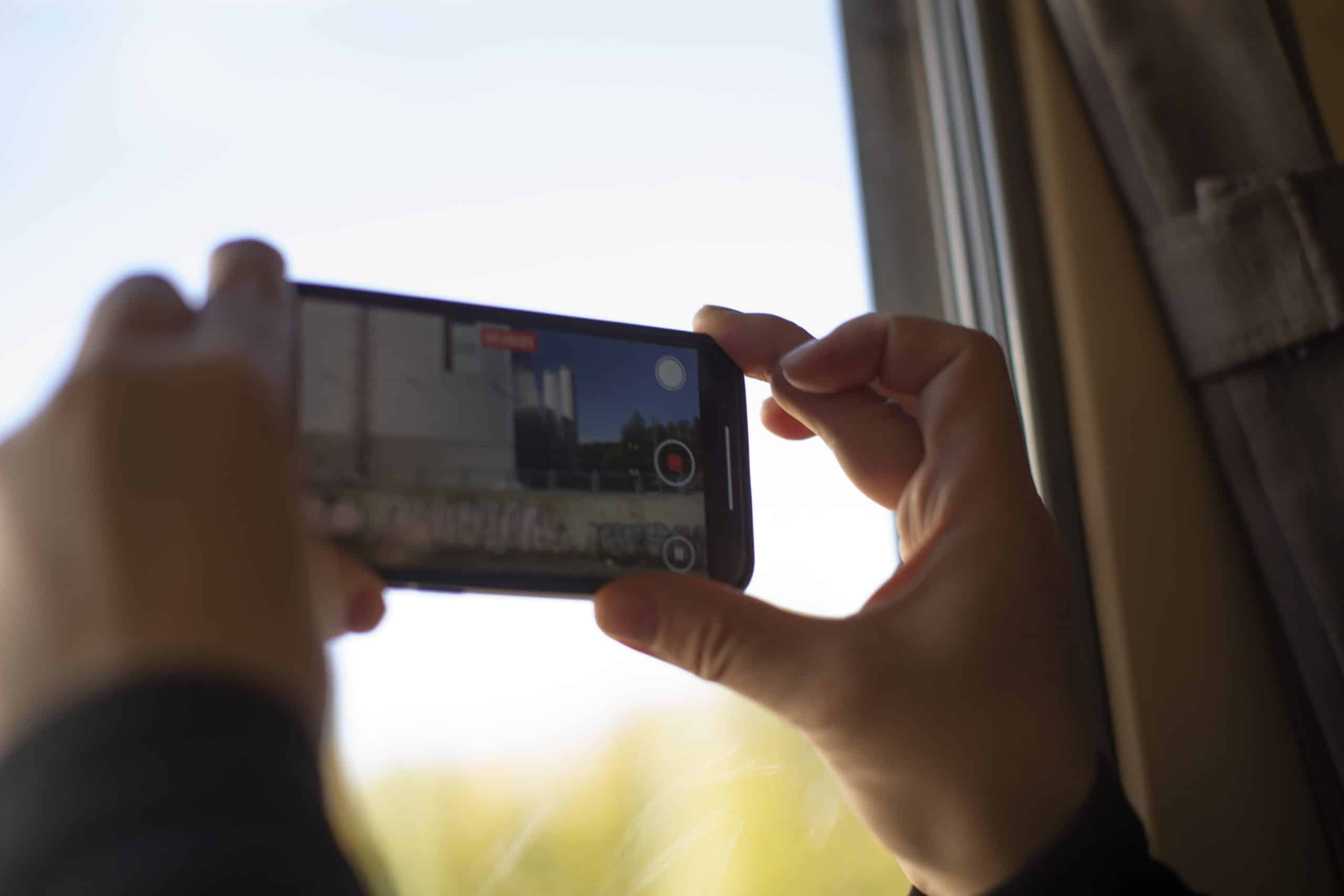
To get the best video quality, clean your phone’s camera lens before you start. Hold your phone steady to avoid shaky footage. You can use both hands or rest your elbows on a stable surface.
Keep the camera focused on the main subject. Tap the screen to adjust the focus if needed. Record in a quiet environment to ensure clear audio. If the sound isn’t great, consider adding music or voice-over later. For more technical advice, learn about smartphone video creation.
Best Lighting for Phone Video 🌞
Good lighting is crucial for a professional look. Natural light is your best friend. Shoot during the day when the sun is bright but not directly overhead. This reduces harsh shadows.
If shooting indoors, position your subject near a window. Avoid filming directly under artificial lights, as they can cast unflattering shadows. Test different lighting setups to find what works best for your video.
Walkaround Video Guide 🚶♂️
A walkaround video gives viewers a 360-degree view of your product. Start by filming from different angles. Capture close-ups of important features, like the interior of a car or the stitching on a garment. This kind of video helps buyers feel more connected to the item.
As you film, describe what the viewer is seeing. This adds context and highlights the product’s best aspects. Remember, many people assume photos show everything, but video can reveal so much more.
Posting Your Video Ad on Vidifye

Now that your video is ready, it’s time to post it. Vidifye makes this process easy and effective.
Create Video Listing on Vidifye 🖥️
Uploading your video to Vidifye is simple. First, create an account if you haven’t already. Then, navigate to the “Create Listing” section and follow the prompts. Ensure your video file is compatible with the platform.
Add a compelling title and detailed description. Keywords like “video classifieds” and “smartphone video tips” can improve visibility. Include contact information so interested buyers can reach you easily.
Promote on Craigslist and Alternatives 📢
Expand your reach by promoting your video on other platforms. Craigslist is a popular choice, but don’t stop there. Consider alternatives like Facebook Marketplace and OfferUp. Each platform has its audience, increasing your chances of finding the right buyer.
When posting, use similar descriptions and keywords to maintain consistency. This helps your ad appear in relevant searches, drawing more eyes to your product.
Sell Faster with Video Tactics 🚀
Video gives you a leg up in selling. It shows your product in action, building trust with potential buyers. Use tactics like urgency to encourage quick decisions. Phrases like “limited time offer” or “act now” can motivate interested parties to reach out sooner.
Remember, the longer you wait to post, the longer it takes to sell. Your smartphone and Vidifye make it easy to showcase your item to the world. Embrace the power of video, and watch your sales soar.
By following these tips, you’re equipped to create a video classified ad that truly stands out. With the right planning, shooting, and posting strategies, your smartphone becomes a powerful sales tool. Ready to dive in? Start creating your video ad and connect with buyers today!