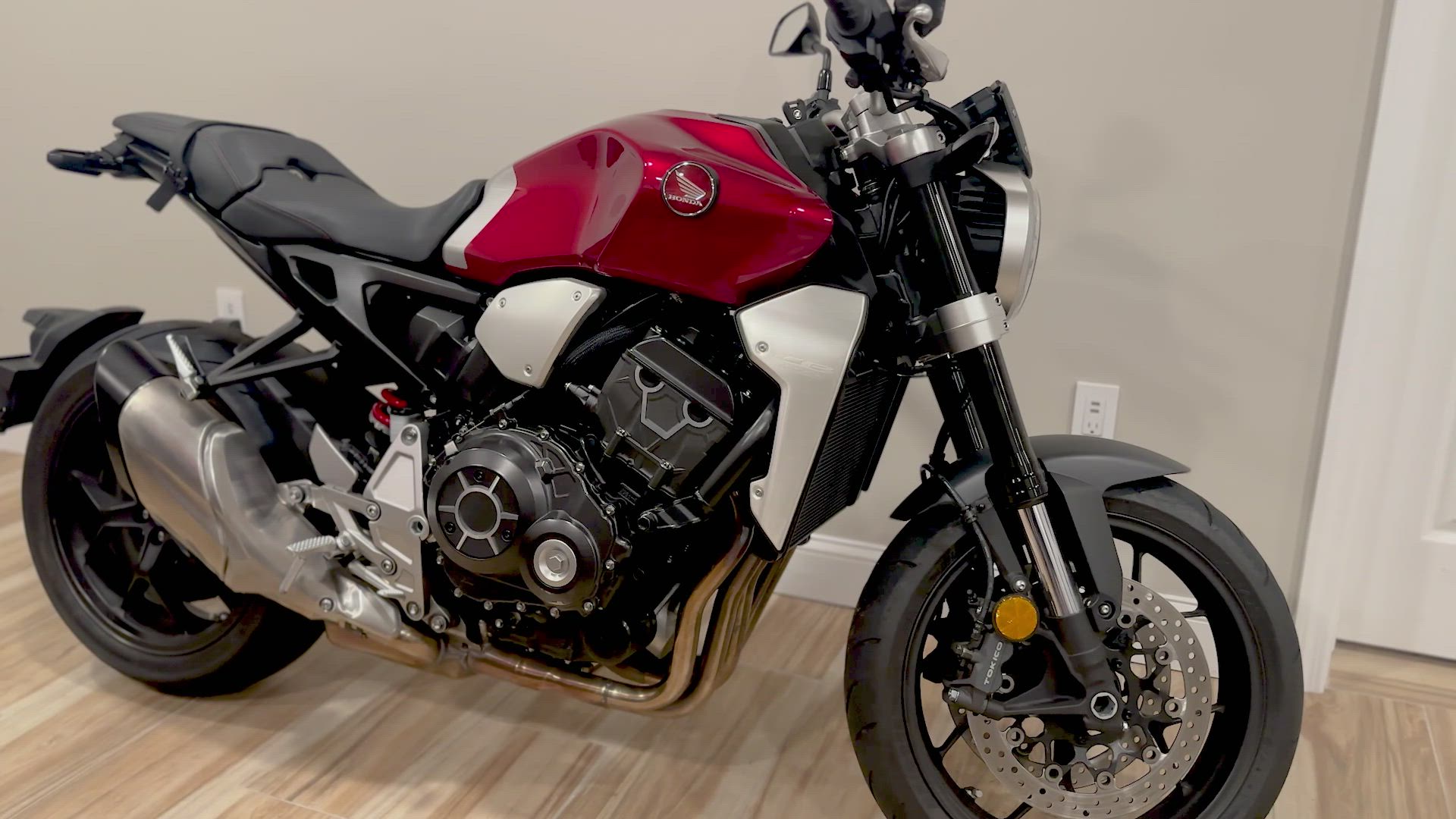


You’ve got a smartphone with a powerful camera right in your pocket. Yet most sellers still rely on static photos that barely capture attention. It’s time to sell faster with video using just your phone. This simple guide will show you how to shoot, edit, and post high-converting video classifieds that get results—no fancy gear needed. Grab your phone, film a 30–60 second walkaround, and post your free video ad on Vidifye now.
Shoot High-Impact Smartphone Videos
Creating a captivating video ad starts with the right setup. Here’s how you can craft engaging visuals using just your smartphone.
Choosing the Right Setting
A well-chosen setting can make your video stand out. Choose a location with good lighting and minimal distractions. Natural light works best, so consider filming outside or near a window. Make sure the background complements your item without drawing focus away.
Pay attention to noise levels. A quiet setting ensures clear audio if you’re speaking in your video. Look for spaces with controlled lighting and interesting angles to add depth. Your setting should enhance the product’s appeal while keeping the viewer’s focus on the item.
Capturing Clear, Engaging Footage
Clear footage is essential to captivating viewers. Hold your phone steady or use a simple tripod. Make sure your product is well-lit and in focus. Start with a wide shot to showcase the entire product, then zoom in on unique features or details.
Use your smartphone’s gridlines to align shots and maintain balance. Keep videos short and engaging, around 30 to 60 seconds. Show different angles to provide a comprehensive view. Regularly review footage to ensure quality before moving to the next step.
Best Practices for Automotive and Powersports Ads 🚗
Showcasing vehicles or powersports requires specific techniques. Begin with a wide shot to capture the vehicle’s profile. Highlight key features like engine details, interior, and any unique attributes. Use slow, steady movements to give viewers a clear view.
Consider filming the vehicle in action to demonstrate performance. Focus on elements buyers care about, like mileage or safety features. Keep shots steady to maintain clarity. By following these tips, your video ad will resonate with potential buyers.
Edit and Enhance Your Video
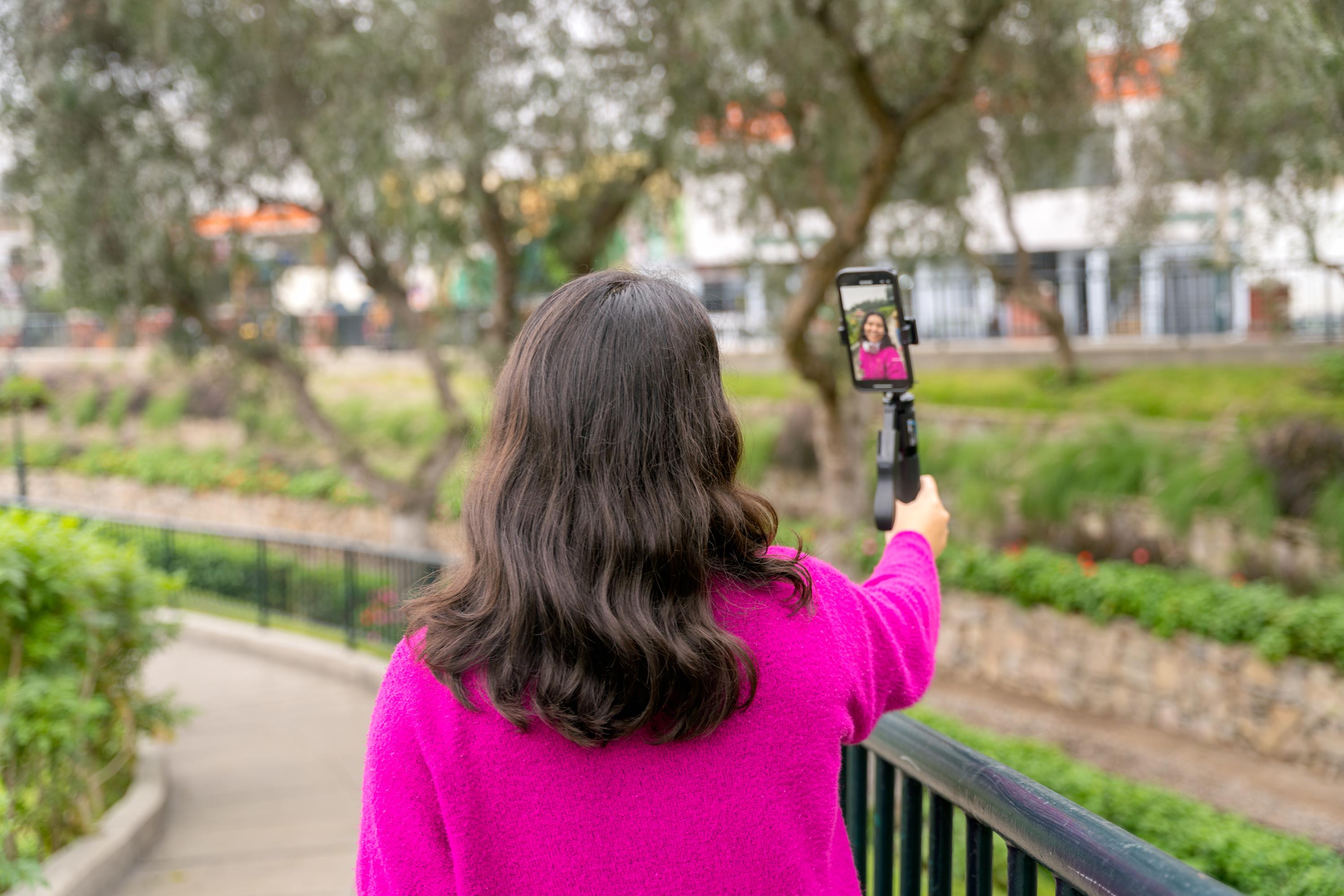
Editing transforms raw footage into a polished ad. Use your smartphone’s built-in tools to refine your video.
Simple Editing Tools on Your Phone
Smartphones offer intuitive editing tools. Trim clips to remove unnecessary parts and maintain viewer interest. Adjust brightness and contrast for a professional look. Use filters to enhance colors and make your video more appealing.
Experiment with effects to find what best highlights your product. Keep edits simple to avoid overwhelming viewers. Aim for a natural look that reflects the product’s true qualities. Regularly preview changes to ensure they improve the video’s quality.
Adding Captivating Music and Voiceovers
Music and voiceovers add depth and interest. Choose music that complements the video’s tone and pace. Many free tracks are available on platforms like YouTube’s Audio Library. Ensure the music doesn’t overpower your narration.
For voiceovers, use a clear, friendly tone. Outline the product’s benefits and features. Keep scripts concise to maintain engagement. Rehearse before recording to minimize errors. By carefully selecting audio elements, you’ll enhance your video’s impact.
Crafting Compelling Calls to Action 🎥
A strong call to action encourages viewers to engage. Use clear, direct language to guide them on next steps. Phrases like “Visit Vidifye to post your video today” or “Contact us for more details” work well.
Position the call to action at the video’s end to leave a lasting impression. Make it easy for viewers to follow through. Ensure it aligns with the video’s content and your selling goals. A well-placed call to action can significantly boost engagement.
Post Your Video for Maximum Reach

Maximize your video’s impact by posting it strategically across platforms.
How to Sell with Video on Vidifye
Posting on Vidifye is straightforward. Create an account and upload your video. Use descriptive titles and tags to improve visibility. Ensure details like price, condition, and contact information are clear.
Vidifye offers a user-friendly platform for video classifieds. Highlight your video’s key points in your description to attract interested buyers. By leveraging Vidifye’s features, you can effectively reach potential customers.
Posting Tips for Video Classifieds
Successful postings require attention to detail. Use high-quality thumbnails to entice clicks. Write concise, informative descriptions that highlight your product’s benefits. Respond promptly to inquiries to maintain interest.
Rotate videos to maintain freshness and appeal. Regularly update listings with new information or promotions. By keeping content relevant and engaging, you’ll attract more viewers and potential buyers.
Share on Social Media for Instant Impact 📱
Expand your reach by sharing videos on social media. Platforms like Facebook and Instagram are ideal for promoting your listings. Use catchy captions and hashtags to increase visibility.
Engage with your audience by responding to comments and questions. Share behind-the-scenes content or customer testimonials to build trust. Social media amplifies your video’s reach, leading to faster sales.
Frequently Asked Questions
How can I make my video ad stand out?
Focus on clear, engaging footage. Use good lighting, steady shots, and highlight unique product features. Keep videos short and informative to maintain attention.
What editing tools should I use on my phone?
Most smartphones have built-in editing tools. Use them to trim clips, adjust brightness, and apply filters. Keep edits simple to enhance the video’s appeal naturally.
Why should I choose Vidifye for posting my video ads?
Vidifye offers a free, user-friendly platform focused on video classifieds. It provides wide audience reach and emphasizes engaging content, making it easy to connect with potential buyers.