
Showing condition in a listing is the single biggest trust-builder for buyers. Yet countless sellers waste hours writing long descriptions no one reads. The secret? A quick, honest video shot on your phone that highlights every detail buyers want to see. In this guide, you’ll learn a simple step-by-step method to create a free video listing on Vidifye that proves condition, builds buyer trust, and helps you sell faster with video. Check out this guide for some tips on crafting the perfect video listing.
Capture Perfect Condition Fast
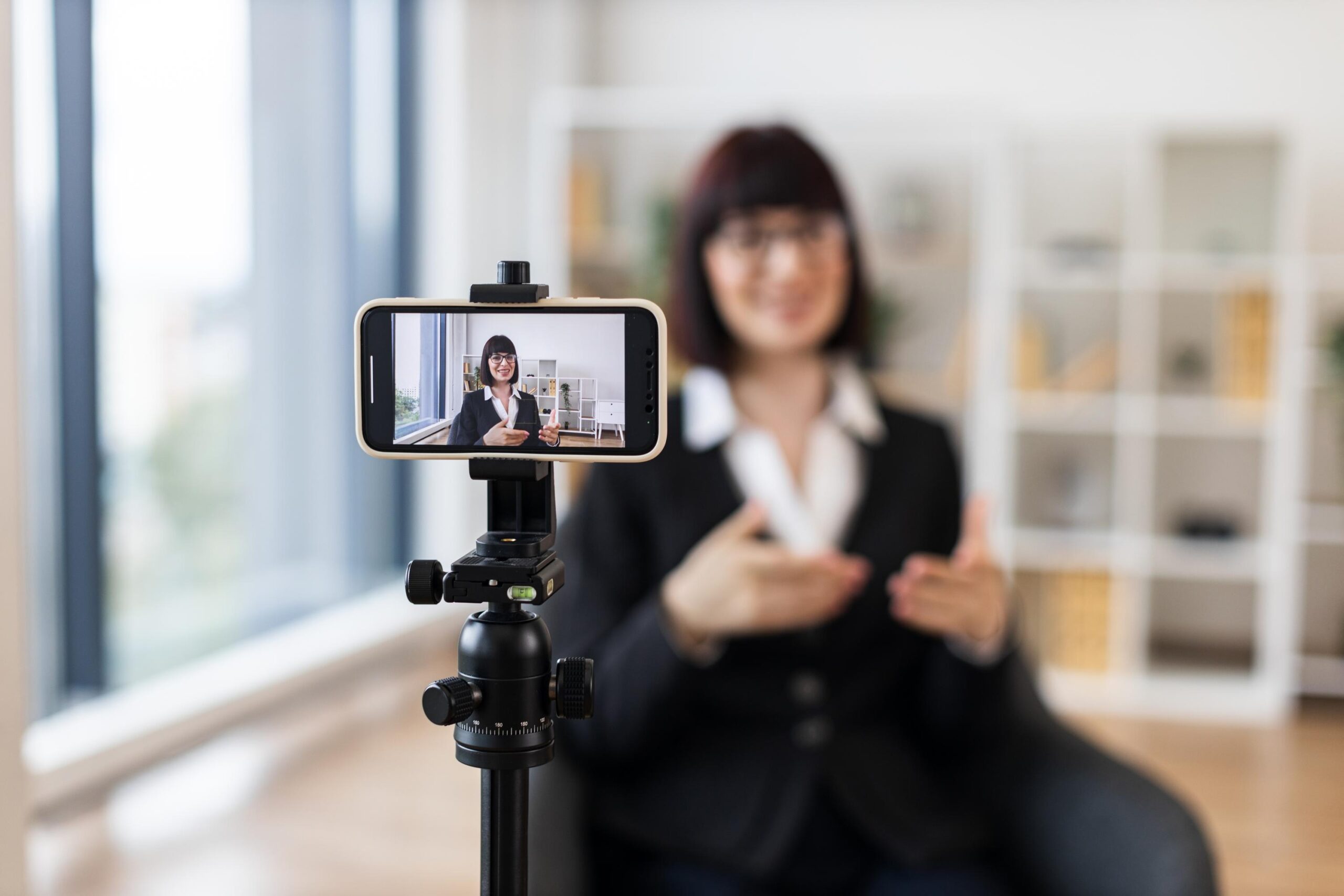
To kick things off, let’s dive right into capturing the perfect condition of your items quickly and efficiently. This is where your smartphone becomes your best friend.
Smartphone Video Tips
Your smartphone can be a powerful tool when used correctly. Most buyers are visual, so a clear and engaging video can make all the difference. Start by ensuring your phone’s camera settings are optimized: set the resolution to 1080p for clarity. Hold your phone steady—use both hands or lean against a stable surface. Avoid zooming, as it can reduce video quality. Instead, move closer or further away to get the perfect shot.
Lighting and Audio Basics
Good lighting is crucial. Shoot during the day for natural light, but avoid direct sunlight to prevent harsh shadows. If indoors, position your item near a window or use multiple light sources to eliminate shadows. For audio, ensure there are no background noises; a quiet room is ideal. Speak clearly and at a steady pace if you’re narrating your video.
Show Don’t Tell Approach
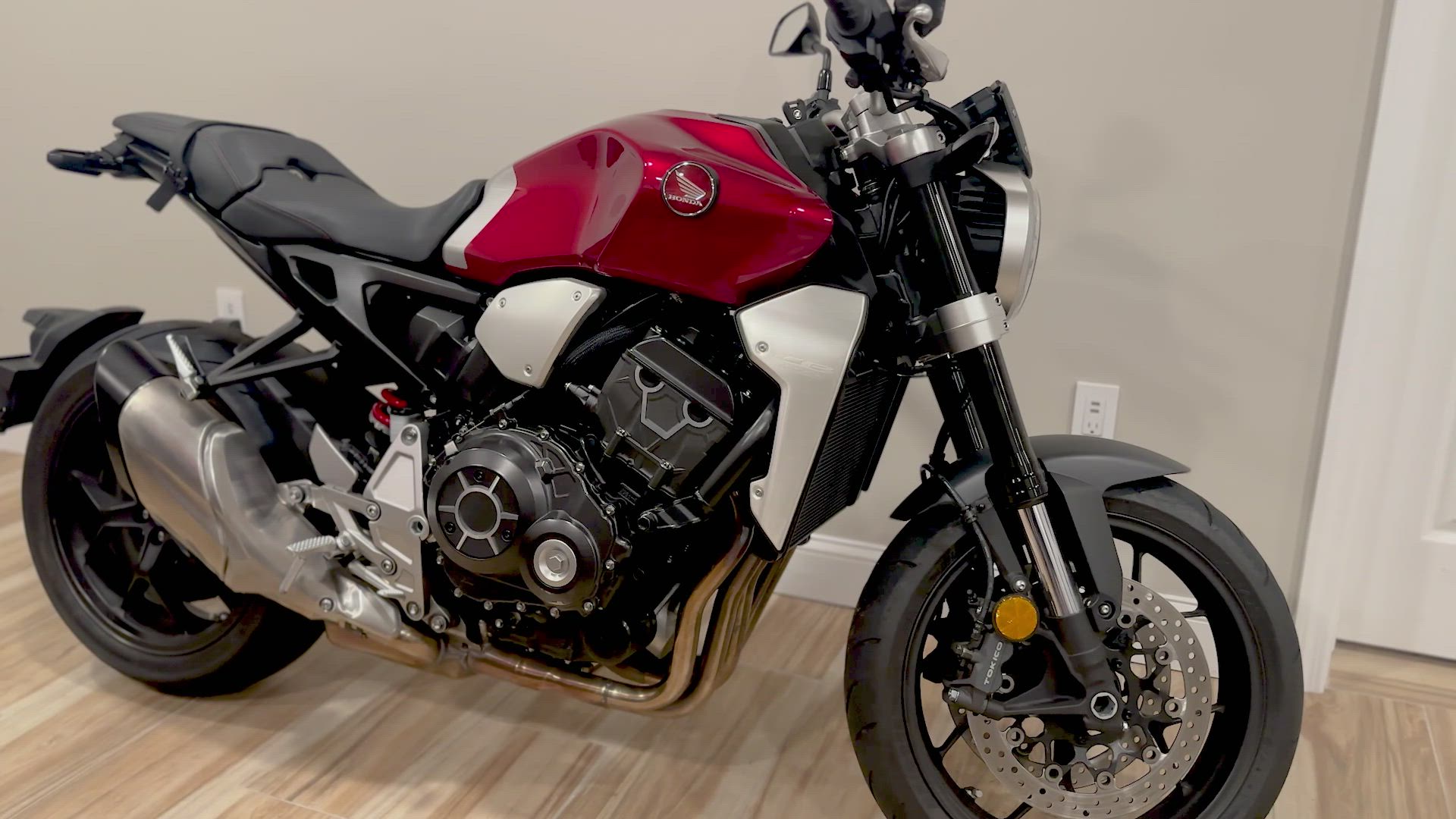
When showing condition, let your video do the talking. Instead of saying “this car is in great condition,” show a close-up of the paint, interior, and tires. Highlight any unique features or accessories up close. This approach builds credibility and allows buyers to see exactly what they’re getting, enhancing trust and engagement.
Build Buyer Trust Instantly

Building trust with potential buyers is vital, and video can fast-track this process by offering transparency and authenticity.
Honest Listing Essentials
Honesty is your best policy. Highlight any imperfections openly—scratches, dents, or wear and tear should be shown. This transparency not only builds trust but also sets realistic expectations, reducing the likelihood of returns or disputes.
Condition Report Video
Creating a condition report video is simple. Start with a full walkaround of your item, then move onto specific areas—like the engine bay for vehicles or the housing for electronics. This detailed view reassures buyers of the item’s condition, making them more confident in their purchase.
Establish Buyer Confidence
Confidence is key in sales. By proving your item’s condition through video, you’re offering buyers a preview that builds their confidence. They can see the product in action, understand its quality, and feel more secure in making a purchase.
Post Free Listings on Vidifye

Now that you have a compelling video, posting it on Vidifye will connect you with buyers quickly and easily.
Video Selling Checklist
Here’s a quick checklist to ensure your video is ready for posting: 1) Ensure your video is 60–90 seconds long. 2) Include a thorough walkaround. 3) Highlight key features or aspects. 4) Include a brief narration if necessary. This checklist ensures your video is informative and engaging.
Sell Faster with Video
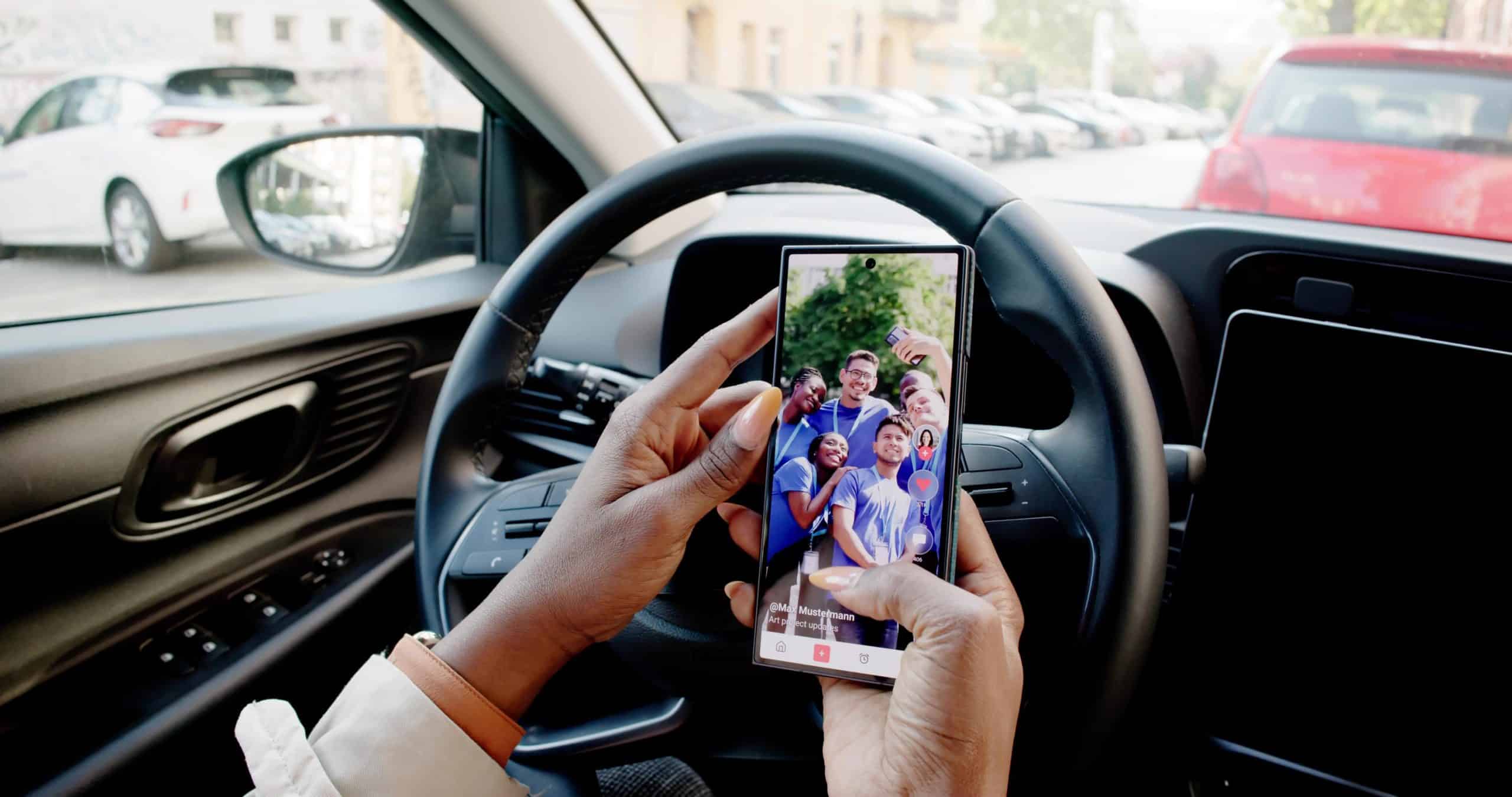
Using a platform like Vidifye can significantly boost your sales speed. Video listings attract more views and interactions than text-based ads. Buyers appreciate seeing real-life conditions, which speeds up their decision-making process.
Reach Local Buyers Today 🎥📱
Vidifye allows you to reach local buyers with ease. By leveraging video, you engage potential buyers more effectively, increasing your chances of a successful sale. Remember, the longer you wait, the more opportunities you miss. Start filming and posting your video listings today!
Frequently Asked Questions
How do I make my smartphone videos look professional?
Ensure good lighting and clear audio. Use natural light, stabilize your phone, and keep the resolution high. Avoid zooming to maintain quality.
Why is video better than photos for listings?
Videos provide a more comprehensive view, allowing buyers to see the item in various angles and lighting, which builds trust and reduces buyer hesitation.
How can I reach more buyers with my video listing?
Post on platforms like Vidifye, which promote video-first listings. Share your listing link on social media and relevant online communities to expand your reach.