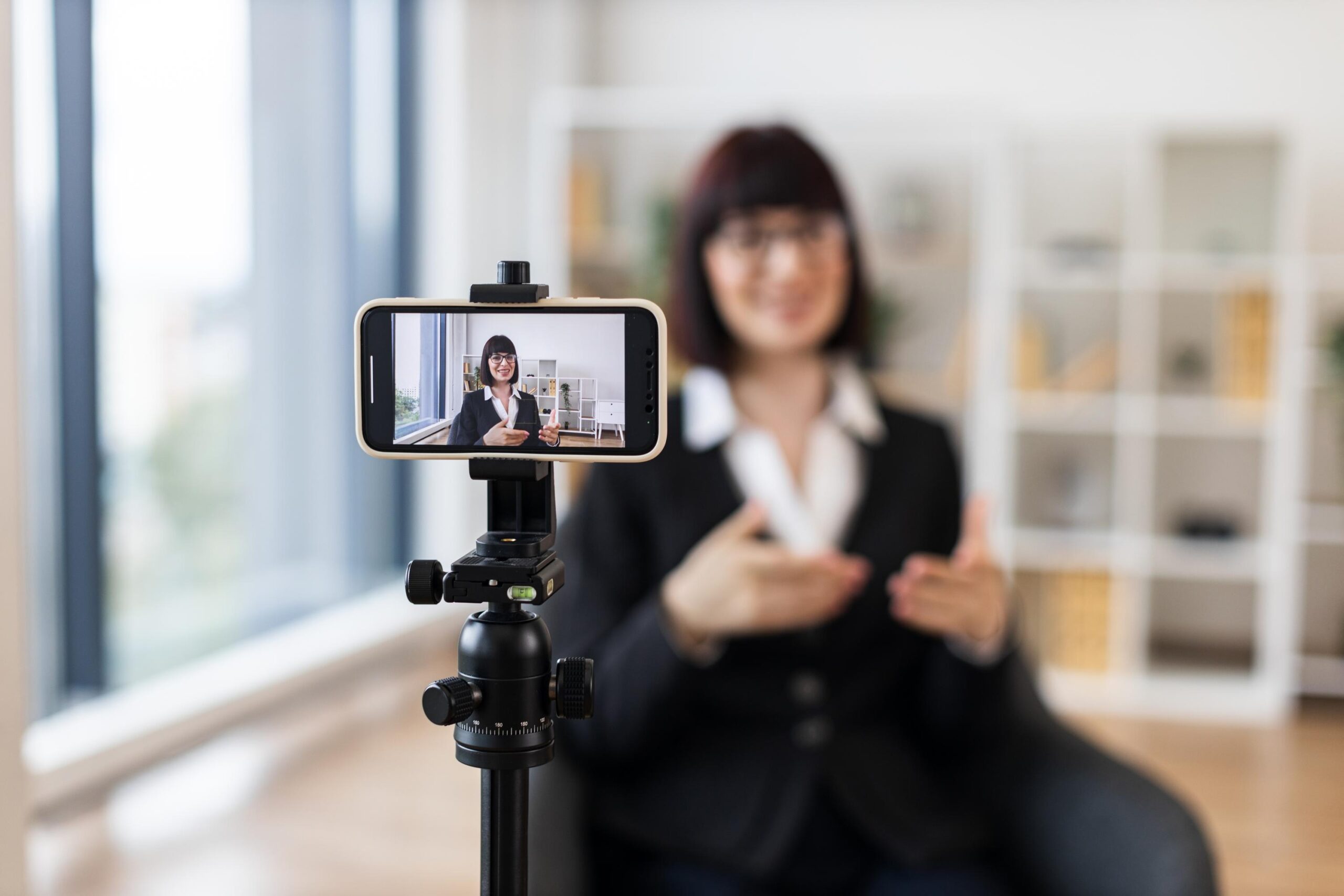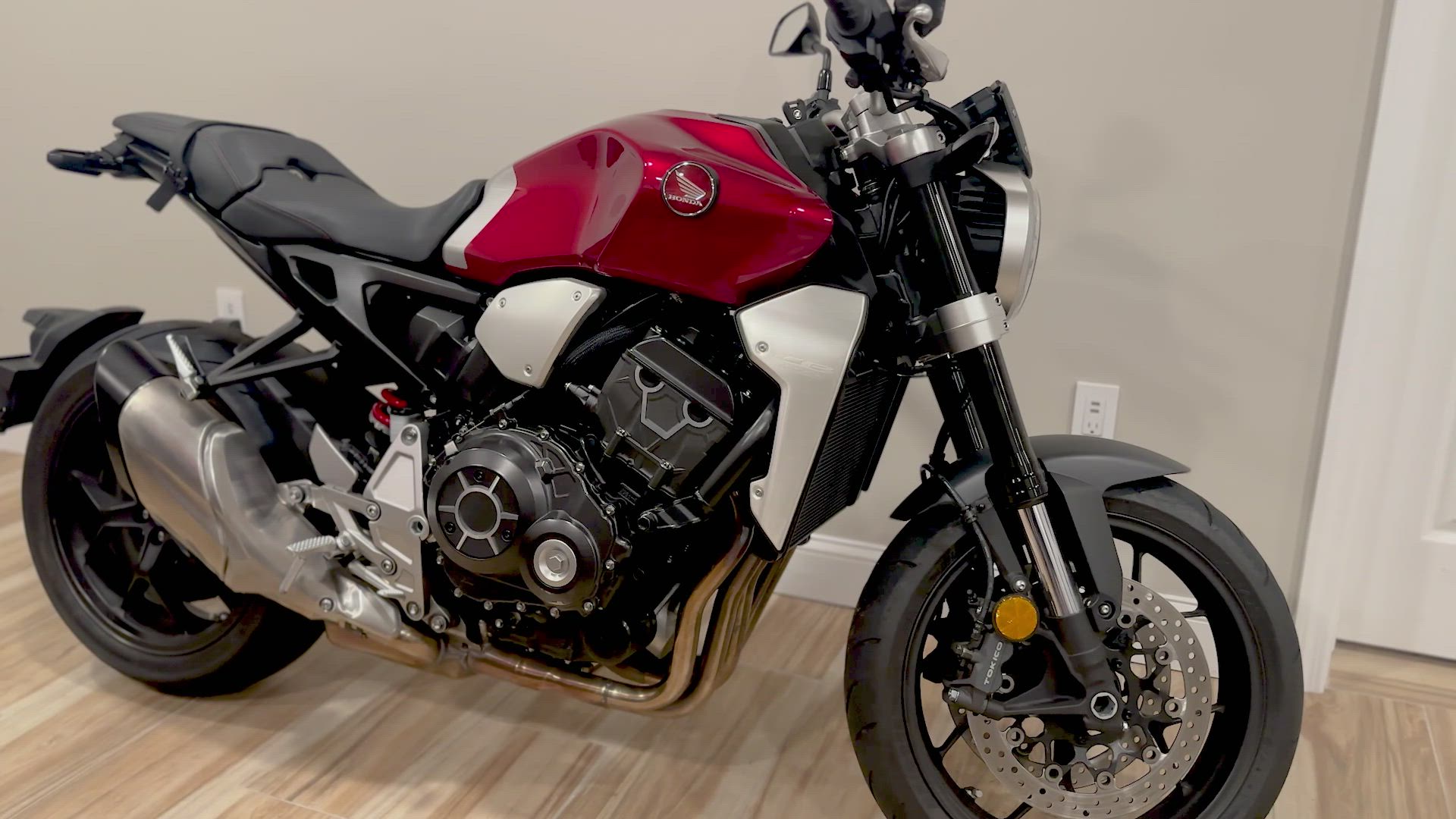


Posting a dull photo-only ad won’t cut it anymore. Buyers scroll past without a second glance when your listing lacks movement and personality. This guide shows exactly how to script, shoot, and post video classifieds using just your smartphone—no fancy equipment needed—to help you sell faster with video on Vidifye. Grab your phone and post your first free video ad on Vidifye today—sell faster with video in minutes. [https://vidifye.com/b/2026/07/27/how-to-create-a-video-classified-ad-that-helps-you-sell-faster-using-just-your-phone/]
Script Your Video Ad
Creating a compelling video ad starts with a clear plan. Your script is the backbone, guiding viewers through what makes your item worth buying.
Be Clear and Concise
Start strong by telling viewers exactly what you’re selling. Use simple language to describe your item in the first few seconds. Short, direct sentences work best. Explain the key benefits quickly, and let viewers know why your item stands out. Remember, you only need your smartphone to get started, so focus on clarity over complexity.
Highlight Key Features
Next, dive into the specifics. What makes your item unique? Whether it’s a low-mileage car or a pristine piece of jewelry, spell out the details. This is where specifics like color, condition, and any extras included come into play. Make sure each feature is easy to see and understand. Use your script to guide the viewer’s eye to the most important details. This structured approach keeps your audience engaged and informed.
Shoot the Perfect Video
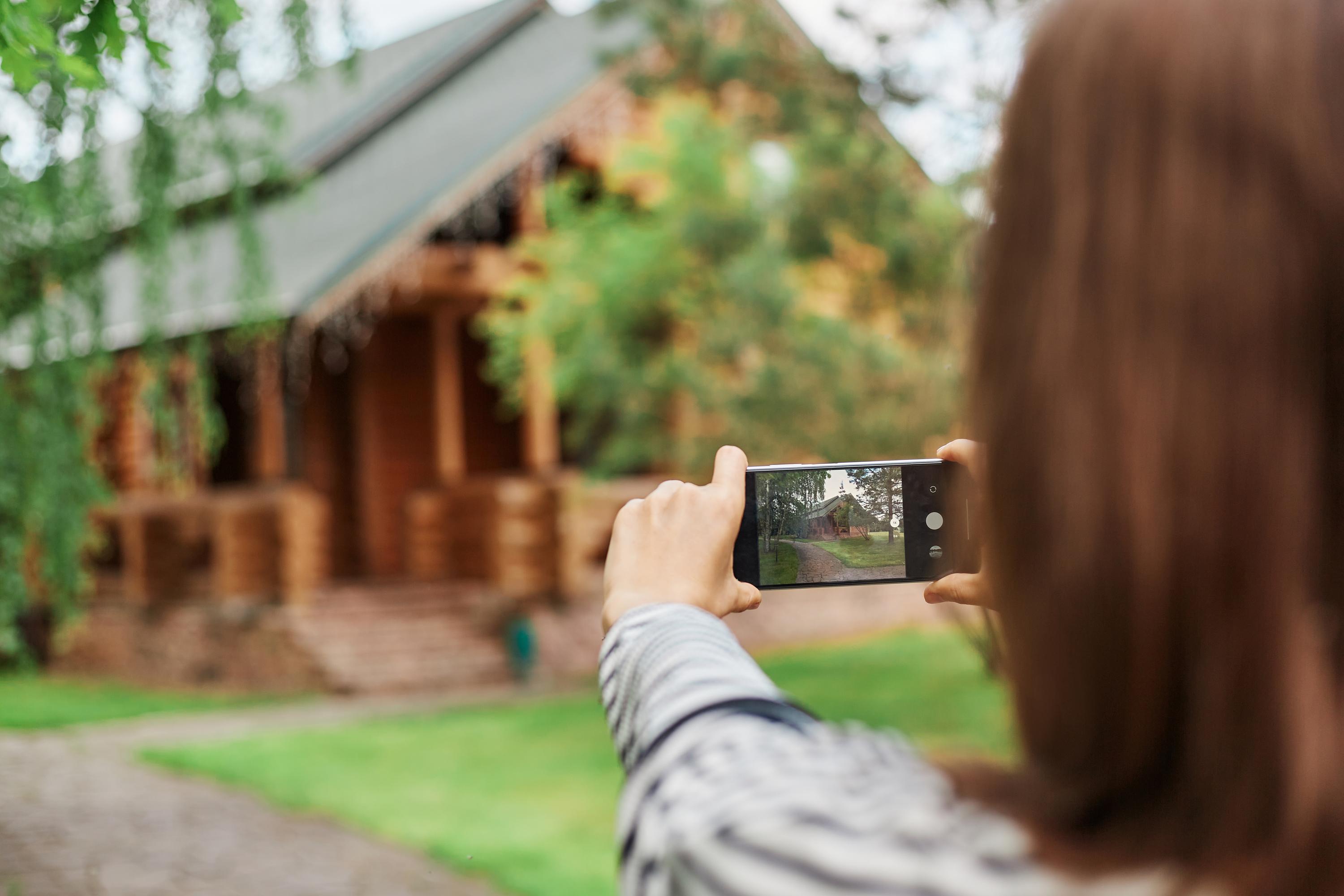
With your script ready, it’s time to film. Your smartphone is your most powerful tool here.
Use Your Phone Like a Pro
First, ensure your phone is steady by holding it with both hands. Avoid shaky footage by keeping your movements smooth and slow. Natural light is your friend, so film during the day if you can. If indoors, use the brightest room. Focus on the item by tapping your screen to set the focus. Keep your video short—about 60 seconds is perfect.
Capture Dynamic Angles
Variety in your shots adds interest. Start with a wide shot, showing the item in full. Then, move to close-ups of key features, like the engine of a car or the clasp on a necklace. Try different angles to give viewers a complete view. This dynamic approach helps capture attention and provides a fuller picture of the item.
Post and Promote Your Ad
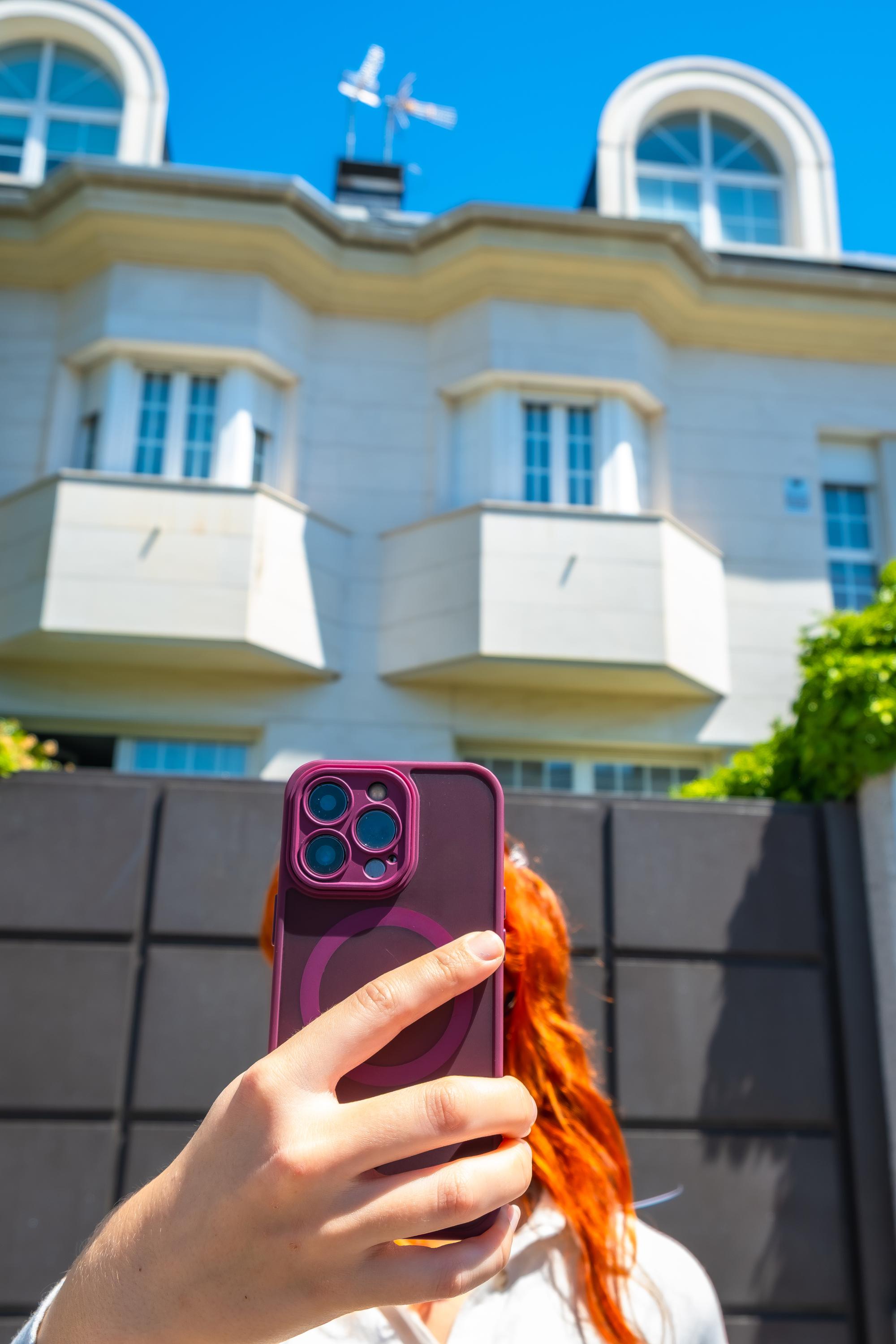
Once your video is shot, it’s time to get it in front of potential buyers.
Upload to Vidifye
Uploading to Vidifye is simple. Head to the platform, and choose to post a new ad. Follow the prompts to upload your video and fill in any additional details. Vidifye’s interface is user-friendly, ensuring your ad reaches the right audience quickly. Make sure to use engaging keywords to enhance visibility.
Share Across Platforms
After uploading, don’t stop there. Share your video ad across social media platforms. This increases your reach and improves the chances of finding the right buyer. Platforms like Facebook and Instagram are great places to start. Use relevant hashtags to tap into broader audiences interested in your item.
🌟📹🚀
Frequently Asked Questions
What is the best length for a video classified ad?
Keep your video short and engaging. Aim for 60 seconds or less to capture viewer interest without losing their attention.
How can I improve my smartphone video quality?
Use natural light whenever possible, keep your phone steady, and focus on key features by tapping the screen. These simple steps enhance video clarity.
Where should I share my video ad after posting it on Vidifye?
Share your ad on social media platforms like Facebook and Instagram. Use targeted hashtags to reach a wider audience interested in your item.
Can I create a video ad without any special equipment?
Absolutely. Your smartphone is all you need. Focus on good lighting, steady shots, and clear audio to produce a high-quality video ad.
What should I include in the script of my video ad?
Begin with a clear statement of what you’re selling. Highlight key features and benefits, using simple, direct language to maintain viewer interest.