
Forget everything you know about static photo listings. Buyers want to see your item move, spin, and shine in real time before they even reach out. Nail your 60-second walkaround with the right shots and info, and watch buyer trust soar while questions drop. Let’s break down the video listing tips that get you faster, higher-quality inquiries on Vidifye—your free, video-first classifieds platform.
Key Elements of a Video Listing
A well-crafted video listing captures attention and builds trust. It’s all about showing your item in a lively manner. To do this, focus on three main elements.
Essential Shots for Trust
The first step to a successful video is capturing the right shots. You want to make sure buyers feel confident about what they see. Start with a full view of the item, then zoom in on important details. For example, if you’re selling a car, show the exterior from all sides, then highlight the interior features like seats and dashboard. A video with clear, comprehensive shots gives buyers the full picture, reducing uncertainty.
Transparent Pricing Details
Next, be upfront about pricing. Clearly stating the price in your video helps set expectations from the start. When buyers see the price right away, they’re more likely to trust the listing and less likely to waste time with inquiries. A simple mention of the cost or including it as text on screen works wonders. It keeps everything transparent.
Highlight Unique Features
Finally, spotlight what makes your item special. Whether it’s a rare color, custom modifications, or additional accessories, these features can be deal-makers. A quick showcase of these unique aspects can capture interest fast. Buyers love knowing they’re getting something special, and a video is the perfect way to showcase it.
Crafting the Perfect 60-Second Walkaround
Once you know the key elements, it’s time to put them into action. A 60-second walkaround is your secret weapon for engaging buyers quickly.
Show Every Angle
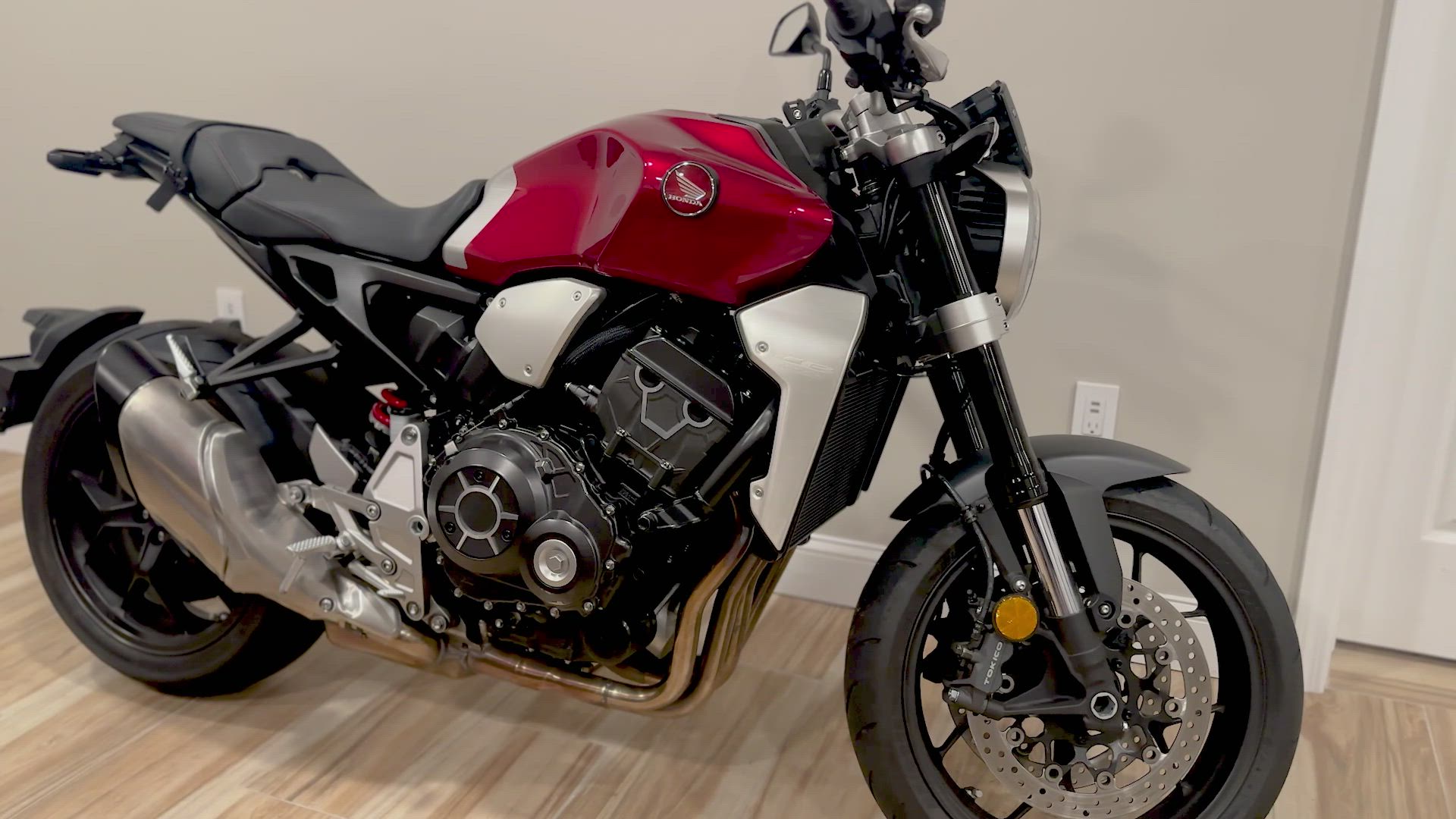
To start, make sure you show your item from every possible angle. This gives buyers a sense of completeness, like they’re examining it in person. Walk around the item slowly with your smartphone, capturing each side. A full view builds trust and makes buyers feel like they know exactly what they’re getting.
Capture Motion and Detail
Adding movement and focusing on details keeps viewers engaged. For instance, opening a car’s door or showing how smoothly a bike’s gears shift demonstrates functionality. Movement in your video highlights the item’s usability, while close-ups on details reassure buyers of its quality. Remember, action speaks louder than words.
Keep It Simple and Authentic
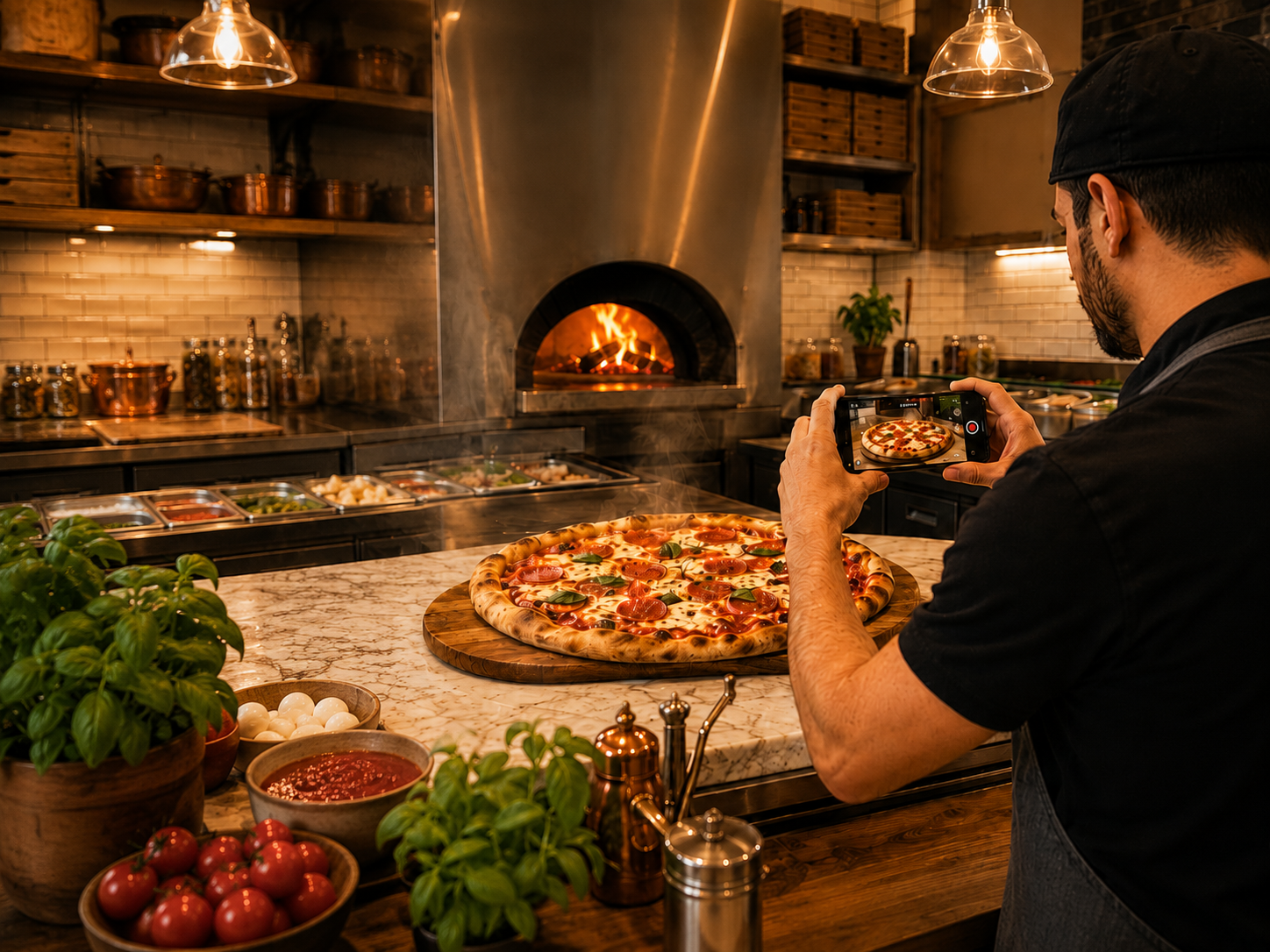
When filming, simplicity is key. Avoid over-editing or using effects that distract from the item. Authenticity fosters trust, so keep the video straightforward and honest. Speak naturally if you’re narrating, and let the item shine. Authentic videos resonate more with viewers, encouraging them to reach out.
Boosting Buyer Confidence with Video
A well-executed video doesn’t just show—it convinces. Here’s how it boosts confidence in buyers.
Building Trust with Smartphone Video Ads
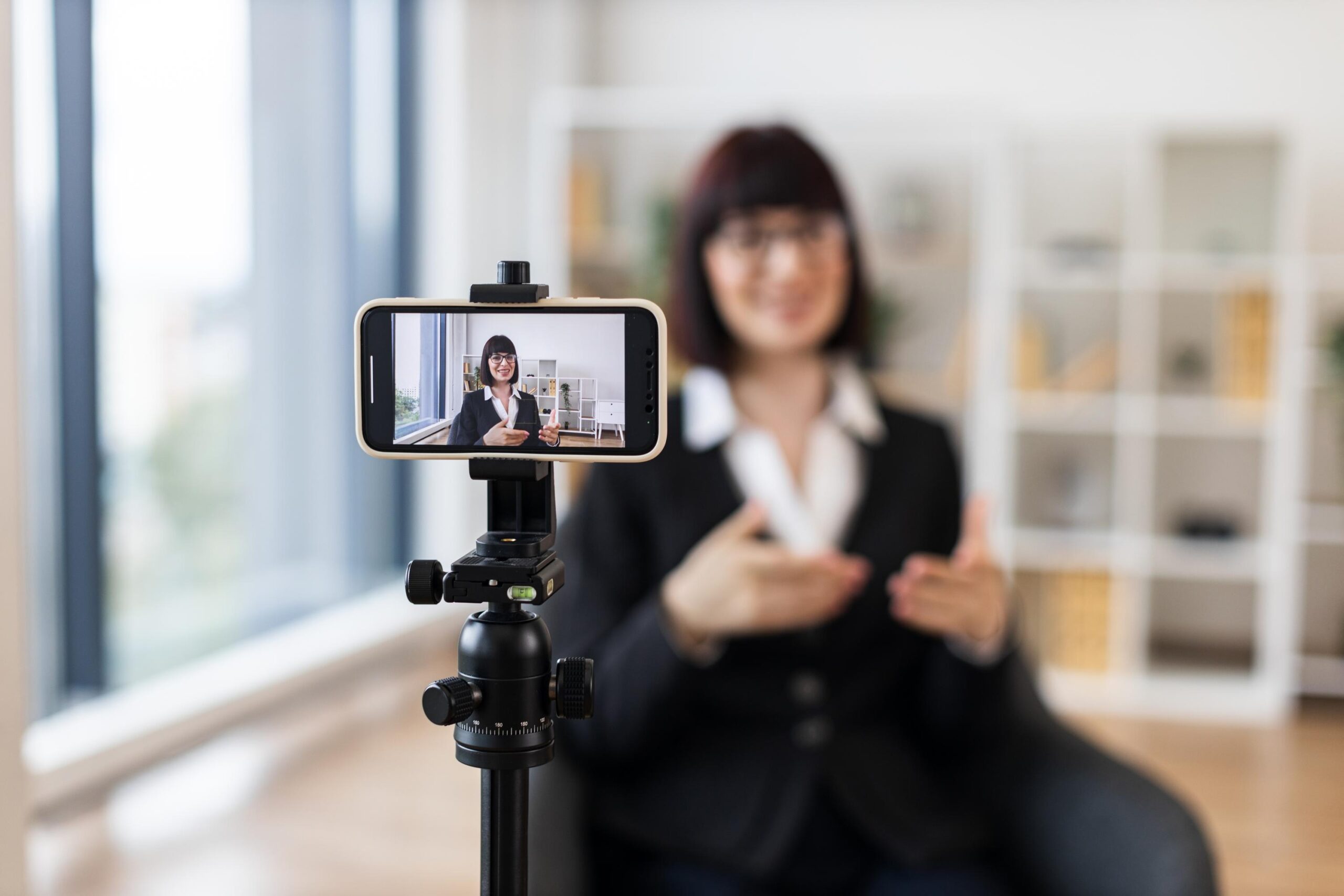
Using your smartphone to create ads is efficient and effective. Buyers often perceive professionally crafted content as more trustworthy. A simple video shot with a smartphone can look professional if done right. Keep your phone steady, use good lighting, and ensure clear audio to make a strong impression.
Increasing Conversions with Visual Transparency
Videos provide a level of transparency that photos can’t match. Buyers appreciate seeing items in motion and from various angles, which helps them make informed decisions. This transparency often leads to higher conversion rates, as buyers feel more informed and confident about their choices.
Selling Faster with Engaging Content
Engaging and dynamic content can significantly speed up the selling process. When buyers are drawn in by a captivating video, they tend to act faster. An engaging video stirs excitement, prompting viewers to inquire or purchase sooner. The longer you wait to use video, the longer it may take to sell.
Frequently Asked Questions
How can I make my video listing more effective?
To make your video listing more effective, focus on showing every angle of the item, highlighting unique features, and being transparent about pricing. Use your smartphone for a clear, steady video.
What should I include in a 60-second video walkaround?
Include a full view of the item, zoom in on key features, and show any unique aspects. Keep it simple, and let the item speak for itself through clear visuals and concise narration.
Why choose Vidifye for video classifieds?
Vidifye offers a free and user-friendly platform for creating engaging video listings. It helps sellers connect with buyers quickly by showcasing items effectively with just a smartphone.