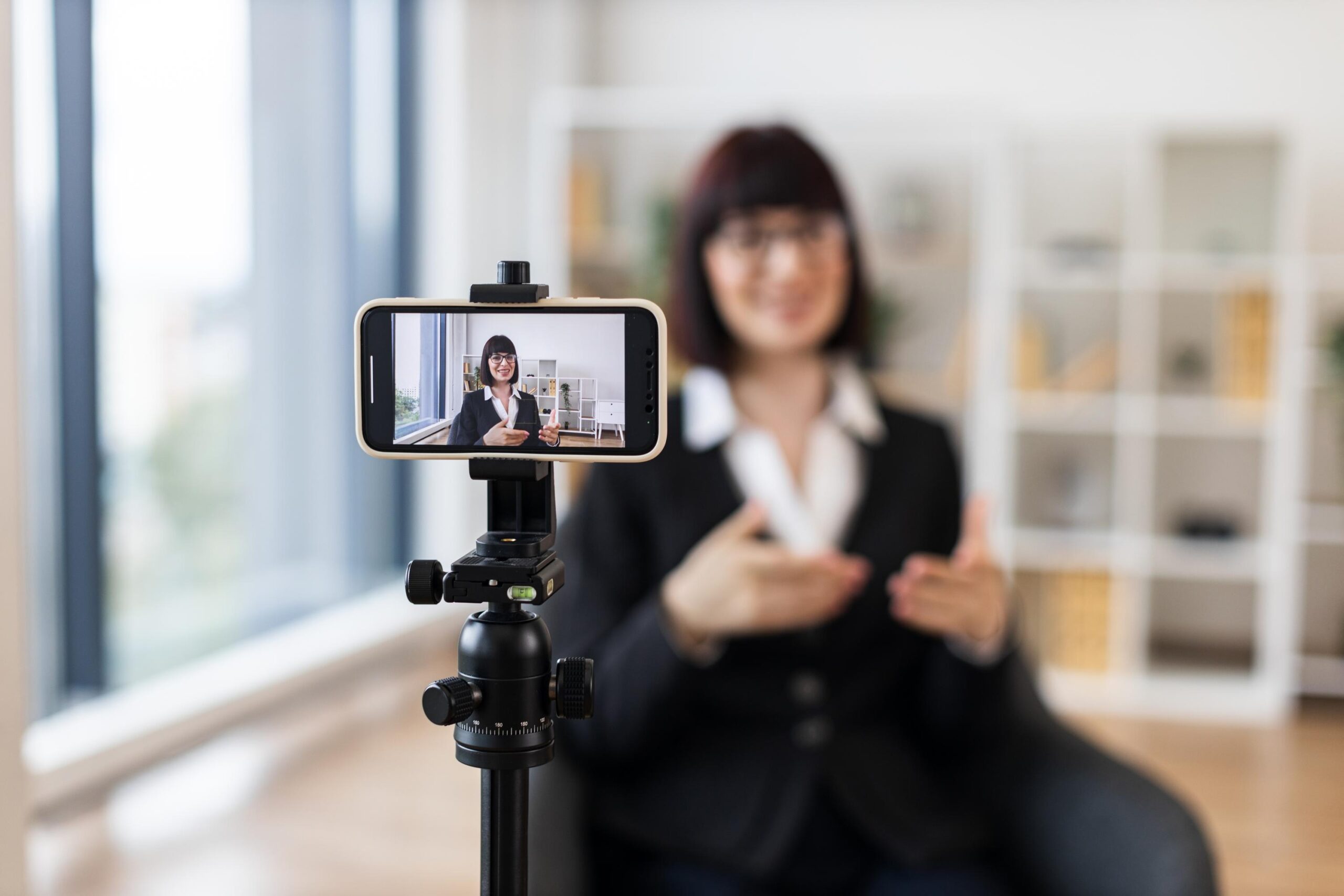


Static photos alone no longer cut it when you want serious buyers knocking at your door. A quick, well-shot smartphone video ad can weed out tire kickers and build real buyer trust fast. In this guide, you’ll get a clear, easy-to-follow shot list and script to create a 60–90 second video that sells faster on Vidifye. Grab your phone and let’s make your listing stand out.
Crafting the Perfect Video Ad
Key Shots to Include
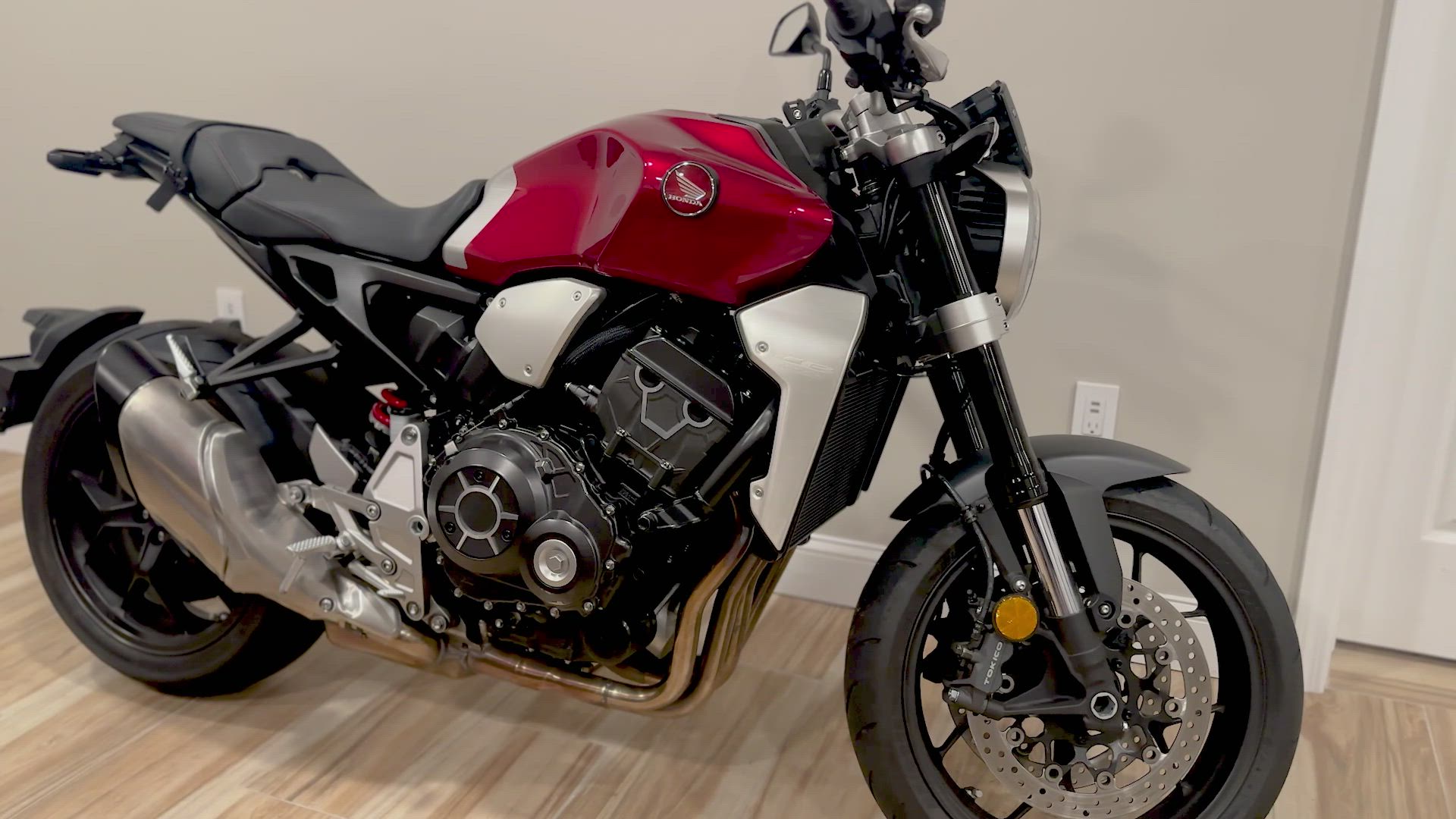
Start your video with a clear and inviting hook. Capture the viewer’s attention with a well-framed introduction shot of the item or property. Focus on key features that set your listing apart. For vehicles, highlight the exterior, interior, and any unique aspects like low mileage or custom parts. If you’re shooting real estate, showcase each room, emphasizing special features like a fireplace or a remodeled kitchen. For small items like jewelry, ensure close-ups that capture every sparkle.
Building Buyer Trust
Building trust is crucial. Show the product from all angles to provide a transparent view. Use steady movements to guide the viewer, almost as if they are walking around the item themselves. Speak directly to your audience, highlighting why this product or property is a great choice. Mention any warranties or guarantees that come with the purchase. This transparency helps in building confidence among potential buyers.
Pre-Qualifying Leads Effectively
Pre-qualifying leads means ensuring that those who reach out are seriously interested. Use your video to address common questions. For example, mention the price, any special conditions, and the best way to contact you for more information. This will filter out those who aren’t ready to make a decision. A well-informed buyer is more likely to proceed to the next steps.
Filming Techniques for Success
Smartphone Video Tips
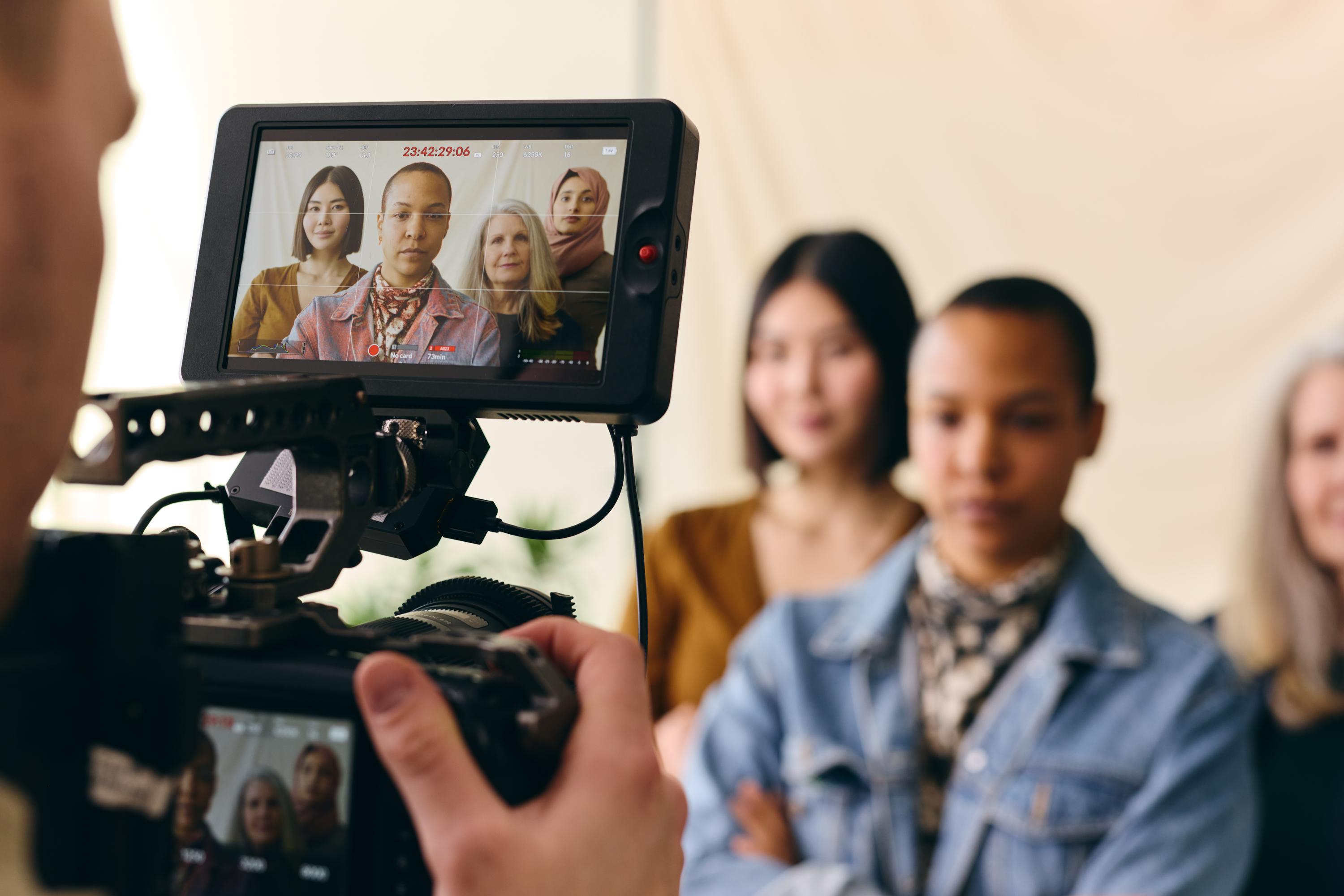
No need for fancy equipment. Your smartphone is enough to create a compelling video. Ensure your camera lens is clean. Use natural light as much as possible, filming during the day for the best results. Hold your phone steady or use a simple stabilizer to avoid shaky footage. Speak clearly and enthusiastically if narrating. Your energy will engage viewers and make your listing more appealing.
Capturing the Right Angles
Angles can make or break your video. Start with wide shots to give context and then move to close-ups for details. Consider filming from eye level and gradually move to different heights to show depth and size. For vehicles, a 360-degree walkaround gives a comprehensive view. In real estate, walk through the space as if you were giving a personal tour. This approach helps buyers visualize themselves in the space.
Editing for Impact
Editing is where your video comes alive. Trim unnecessary parts to keep it concise, aiming for that sweet spot of 60 to 90 seconds. Use simple transitions to maintain a professional look. Adding text can highlight key features or list specifications. Free apps like iMovie or Adobe Spark can help in creating a polished final product. Remember, the goal is to keep the viewer engaged from start to finish.
Publishing on Vidifye
Steps to Upload Your Video
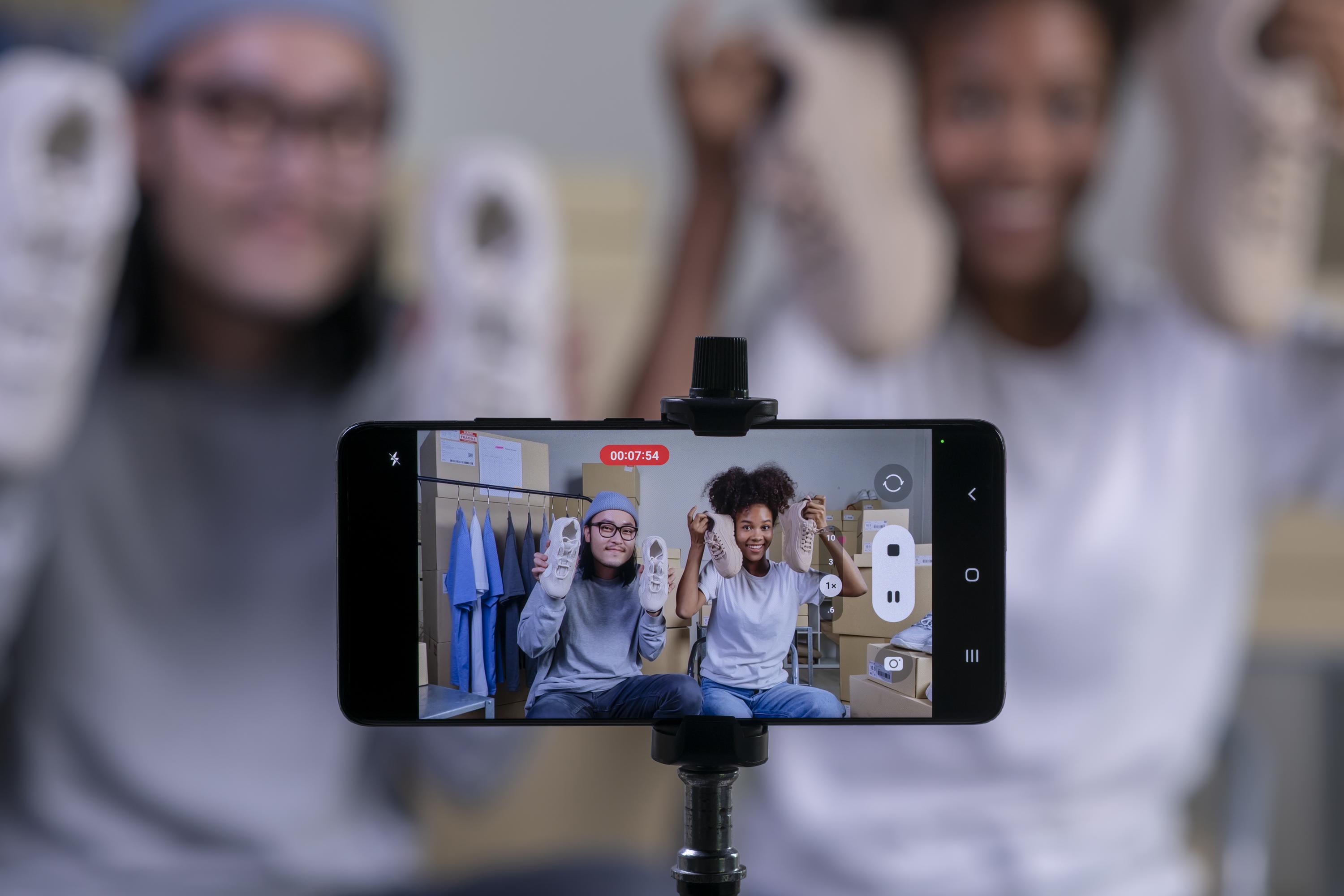
Uploading your video on Vidifye is a straightforward process. First, create an account if you haven’t already. Once logged in, navigate to the upload section. Select your video file and follow the prompts to add it to your listing. Make sure to write a catchy description to accompany your video, drawing attention to its best features. Hit publish, and your video is live for potential buyers to see.
Promoting Your Listings
Once your video is uploaded, it’s time to promote it. Share the link on your social media platforms or embed it in relevant forums. Engage with local groups or online communities interested in your product category. The more exposure your listing gets, the higher the chances of reaching a serious buyer. Consistent promotion keeps your listing at the forefront of potential buyers’ minds.
Engaging Local Buyers
Engaging with local buyers can be a game-changer. Highlight the convenience of the location in your video description. Encourage viewers to schedule a visit or reach out for more details. Offering a virtual tour or a live Q&A session can also engage potential buyers effectively. It’s all about creating a connection and making the buying process as seamless as possible for them.
Frequently Asked Questions
How do I make my video stand out?
Focus on quality and content. Use natural lighting, steady shots, and clear audio. Highlight unique features and provide a virtual experience of your product or property.
How long should my video be?
Aim for 60 to 90 seconds. This duration is perfect to retain attention while delivering all necessary information.
What equipment do I need to film?
Your smartphone is sufficient. Ensure the lens is clean and shoot with good lighting. A simple stabilizer can help keep your shots steady.
How can I engage more local buyers?
Use local keywords in your video description and share your listing in local online groups. Offering a virtual tour can also engage buyers effectively.
Why should I use Vidifye over other platforms?
Vidifye focuses on video-first listings, offering a dynamic and engaging way to showcase your products. It’s free and designed to make selling faster and simpler.