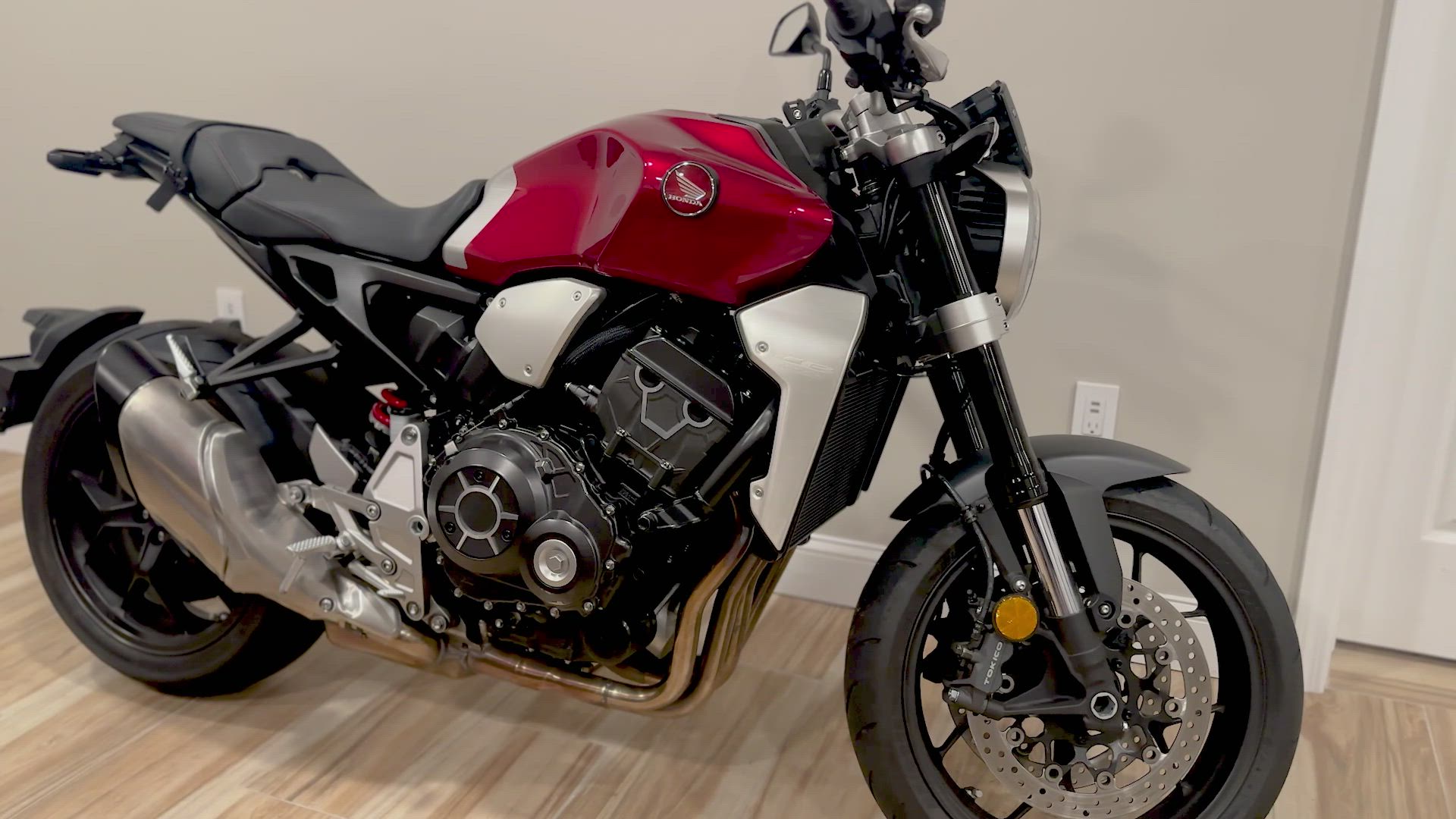


Forget everything you know about static photo listings. Buyers want to see your item in motion, from every angle, before they commit. Nail the perfect 60-second product video with a simple shot list that builds trust and sparks quick yes-or-no decisions. Ready to sell faster with video? Let’s break down exactly what to film in your smartphone video ads so your listing stands out today.
Quick Start for Video Ads
Hook Your Audience Fast
Start strong to grab attention immediately. Open your video with a captivating scene. Show the item in action or a dramatic angle. This is your chance to intrigue viewers right away. Think about what makes your item unique and put it front and center. This first impression sets the tone for the rest of your pitch.
Capture a Full Walkaround
A comprehensive walkaround lets buyers see every detail. Slowly circle around the item, showing it from all sides. This 360-degree view helps potential buyers feel like they’re right there with the product. Avoid shaky shots by keeping your hand steady or using a stabilizing app. Remember, clarity is key.
Highlight Key Features
Showcase the standout features of your product next. Whether it’s the shiny rims on a car or the sleek interface of a gadget, highlight these details. Use close-ups to emphasize quality elements that set your item apart. Make sure viewers know exactly what makes your product a must-have.
Build Trust on Camera
Proof in Motion and Sound Test
Seeing your product in motion adds trust. Show it working as intended. If sound is a feature, like the roar of an engine, let viewers hear it. This proves functionality and addresses potential concerns. Buyers will appreciate knowing the item operates smoothly and as advertised.
Show Scale and Condition
Establishing scale and condition is vital. Use common items for size reference, like a coin or a ruler. This helps buyers visualize the product’s actual size. Highlight any imperfections honestly. Transparency about condition builds credibility and sets realistic expectations.
Demonstrate Controls and Extras
Take a moment to demonstrate any controls or extras that come with your product. If it’s a vehicle, show the dashboard and buttons in use. For electronics, navigate menus or features on-screen. This not only showcases functionality but also adds perceived value through the included extras.
Drive Sales with Video
Pricing and Pickup Details
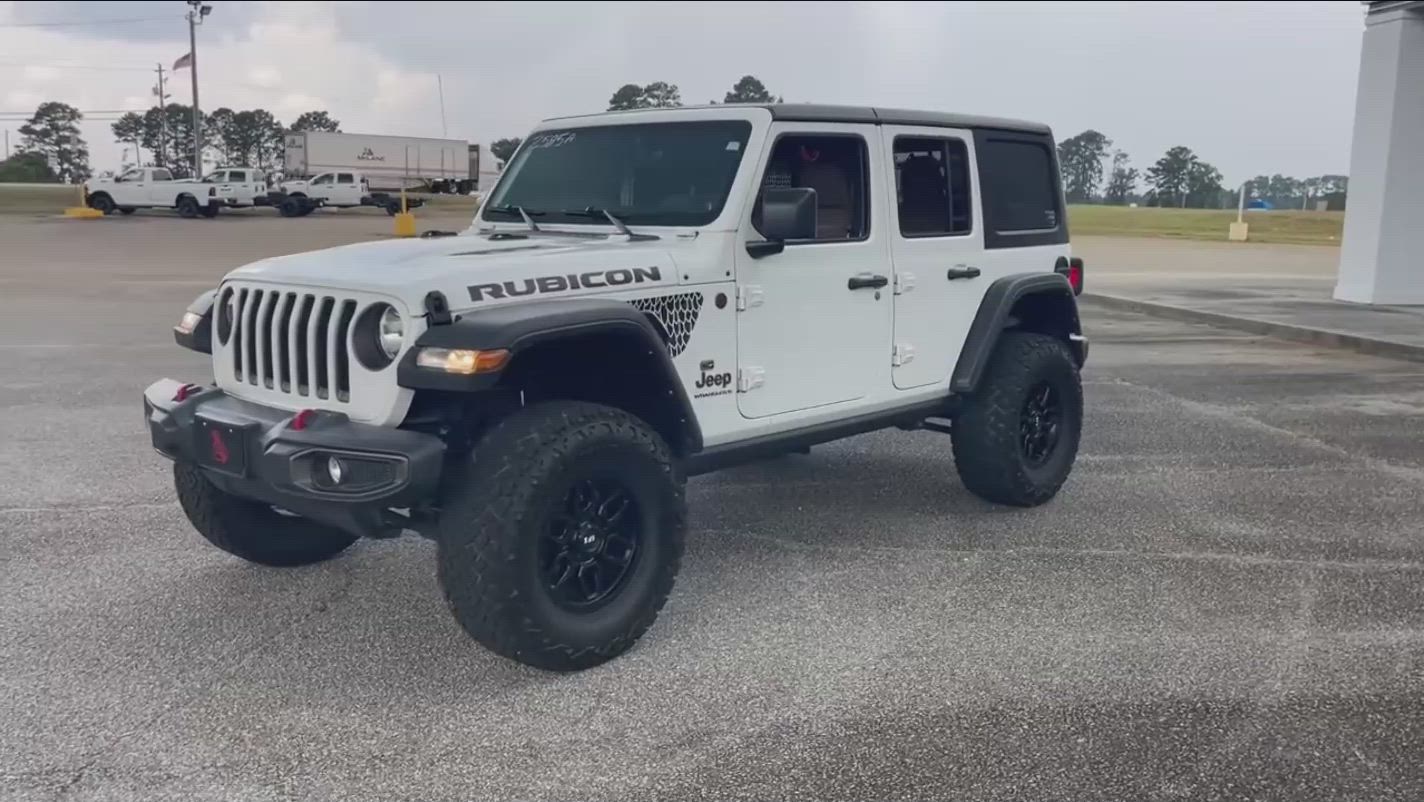
Clear pricing and pickup information can seal the deal. Clearly state the price midway through the video. Mention any special deals or financing options if applicable. Provide details on how and where the buyer can pick up the item. This clarity reduces friction and encourages quick decisions.
Post Your Free Video Listing
Once your video is ready, it’s time to post it. Platforms like Vidifye make it easy and free. Uploading your video listing connects you with local and national buyers. A simple upload can mean the difference between a quick sale and waiting weeks.
Sell Faster with Smartphone Video 🚀
Video-first listings are the future. They engage more, show more, and sell more. Smartphone video ads give buyers a complete picture, making decisions faster. Don’t wait. Turn your next sale into a 60-second video and experience the power of video classifieds.
Frequently Asked Questions
What makes a good video ad?
A good video ad captures attention quickly, shows the item from all angles, and highlights key features. Use clear visuals and sound to demonstrate quality and build trust.
Why should I use video ads instead of photos?
Video ads provide a dynamic view of your product, showing it in action. This engages buyers more effectively than static photos, making them feel more confident in their purchase decision.
How long should my video ad be?
Aim for a 60-second video. This length is perfect for capturing essential details without losing viewer interest. Keep it concise but informative for the best results.