

Sell Faster with Your Phone: A Step-by-Step Guide to High-Impact Video Ads
Forget everything you know about selling online. Posting photos alone won’t cut it anymore—buyers want to see your product in action. With Vidifye, you can create high-impact smartphone video ads in minutes and reach ready-to-buy audiences fast. This step-by-step guide shows you exactly how to plan, shoot, edit, and publish your video classifieds to sell faster with video. Check out this complete guide to mobile video advertising for more insights.
Plan Your Video Ad
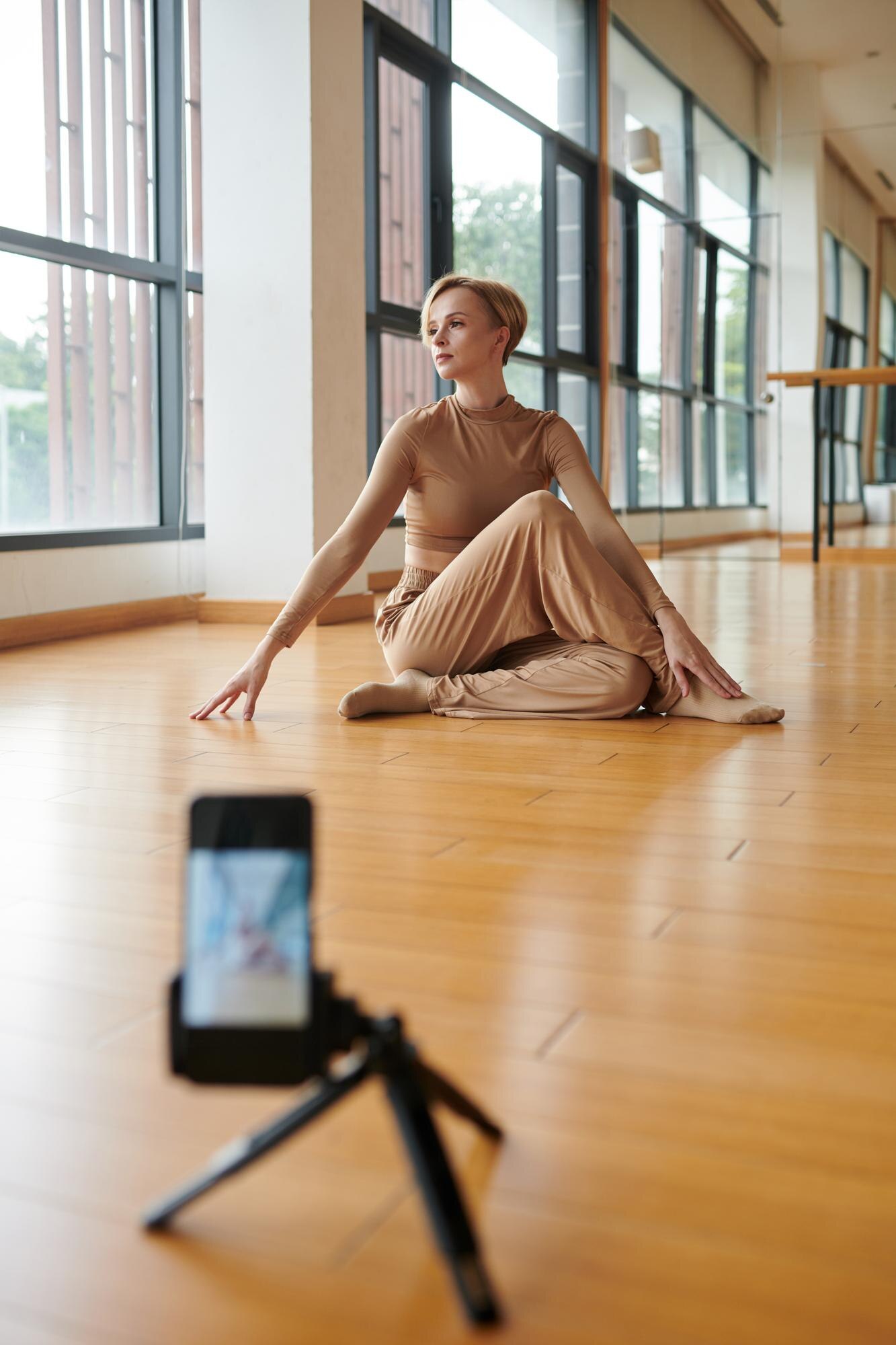
Getting started with a video ad requires a solid plan. Here’s how to lay the foundation for success.
Craft Your Selling Script
Your script is your story. Make it count. Start with a clear headline that grabs attention. Highlight what makes your product unique. Remember, you don’t need a lot of words. Just a few sharp lines can make your message memorable. Think of it like a movie trailer: enticing yet concise.
Now, imagine you’re the buyer. What questions would you have? Answer these directly in your script. This way, viewers get the information they need without losing interest. Keep sentences short for impact and clarity. Practicing your delivery ensures you sound natural and confident.
Select the Perfect Location
Location sets the scene for your video. Choose a spot that highlights your product’s best features. For example, if you’re selling a car, a well-lit outdoor space works wonders. Or, for a cozy home item, a stylish indoor setting can enhance appeal.
Avoid cluttered backgrounds. They distract from your product. Instead, opt for spaces that are clean and inviting. Natural light is your friend here. It enhances the overall look without extra equipment, making your video more appealing.
Gather Essential Tools
Before you hit record, make sure you have what you need. A smartphone is your primary tool. Ensure it’s charged and has enough storage. A simple tripod can help stabilize your shots, though it’s not mandatory.
If you’re filming in a noisy area, consider using a microphone. This boosts sound quality, ensuring your message is heard clearly. But remember, you don’t need expensive gear. Your phone is equipped to do the job well. For more tips on creating effective mobile video ads, check out this guide.
Shoot Like a Pro
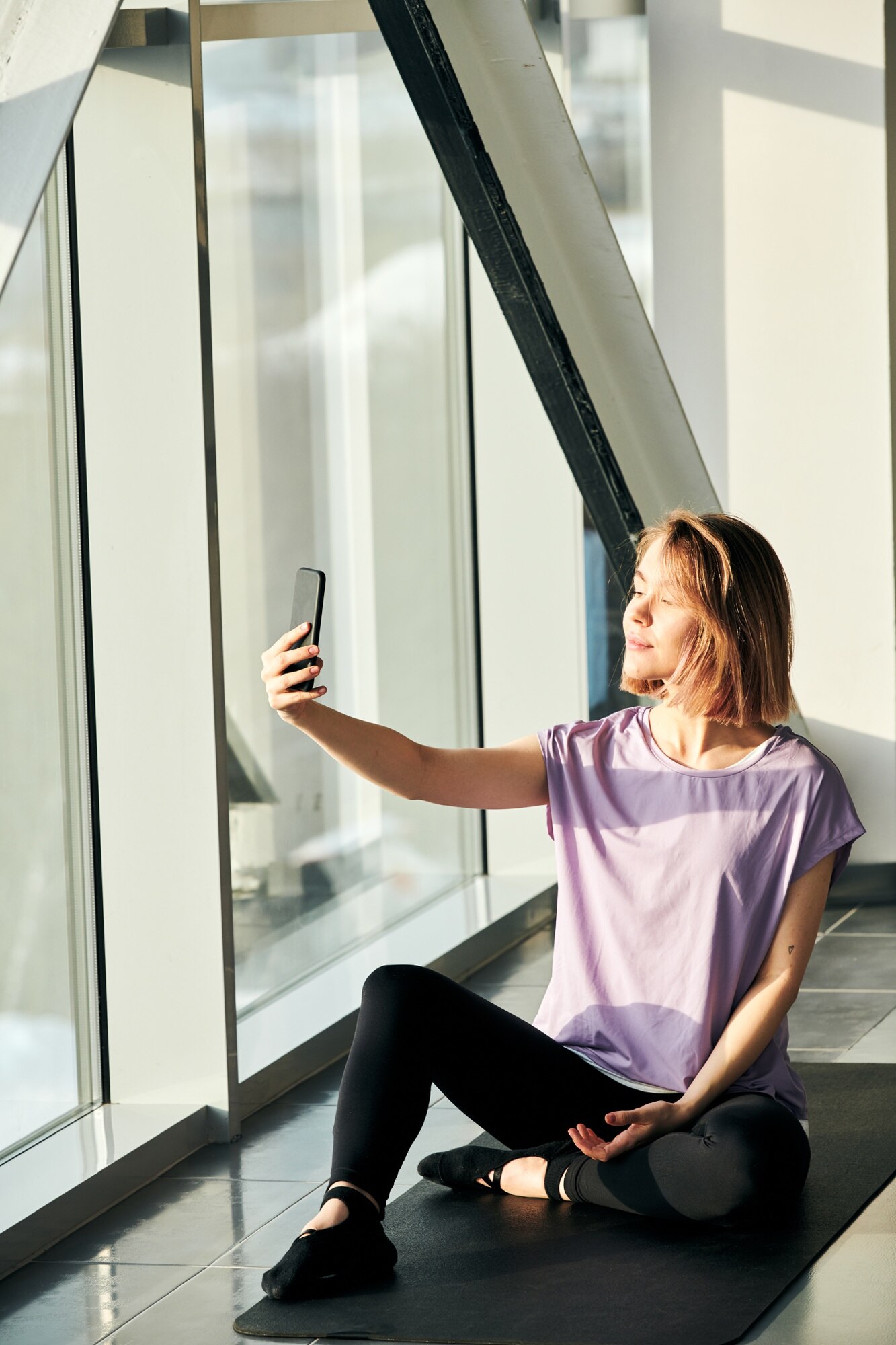
With your plan in place, it’s time to shoot your video ad. Let’s make it professional with some easy techniques.
Master Smartphone Techniques
Your phone is a powerful camera. Hold it steady to avoid shaky footage. Consider using both hands or propping it against a stable surface. This ensures smooth shots. For variety, try different camera angles. A mix of wide, medium, and close-up shots keeps your video engaging.
Don’t forget the zoom function. Use it sparingly to highlight important product details. But be careful: too much zoom can make your video grainy. Practice these techniques to get comfortable with your phone’s capabilities.
Capture Engaging Angles
Angles can change how viewers perceive your product. Start with eye-level shots for familiarity. Then, mix it up with low and high angles to create interest. For instance, a low angle can make a car look more powerful, while a high angle can add a spacious feel to a room.
Experiment with angles to see which ones work best for your product. Just remember, the goal is to show your product at its best. Keep it simple and straightforward.
Lighting and Sound Essentials
Good lighting is key to a great video. Use natural light whenever possible. If indoors, shoot near a window for soft, even lighting. Avoid backlighting, as it creates shadows. Adjust your position to find the best light.
Sound is equally important. Speak clearly and at a steady pace. Minimize background noise. If filming outside, choose a calm day to avoid wind interference. A quiet environment ensures your message is heard loud and clear.
Edit and Publish on Vidifye

You’ve shot your video. Now, it’s editing time. Let’s refine your footage and get it ready for the world.
Quick Mobile Editing Tips
Editing doesn’t have to be daunting. Start by trimming unnecessary parts. Keep your video short and focused—around 30 to 60 seconds is ideal. Use apps like iMovie or Adobe Rush for quick edits right from your phone.
Add text overlays for key points and contact details. This makes your video more informative. Apply filters sparingly to enhance visuals, not overshadow them. For more editing advice, check out this YouTube tutorial.
Optimize for Maximum Reach
To reach your audience, optimize your video. Use keywords like “sell faster with video” or “smartphone video ads” in your title and description. These help potential buyers find your ad easily.
Tag your location to connect with local buyers. Include a call to action, inviting viewers to contact you or visit Vidifye for more details. The more engaging your content, the wider your reach.
Launch Your Video Ad Today 🎥
You’re ready to go live. Upload your video to Vidifye and share it across social media. Each platform can boost visibility and drive interest. The longer you wait, the longer it’ll take to sell. So, launch your ad now and start reaching out to eager buyers.
Remember, a well-crafted video ad is a game-changer. It’s your chance to showcase your product in a dynamic way. With this guide, you’re equipped to sell faster and smarter. Happy selling!