

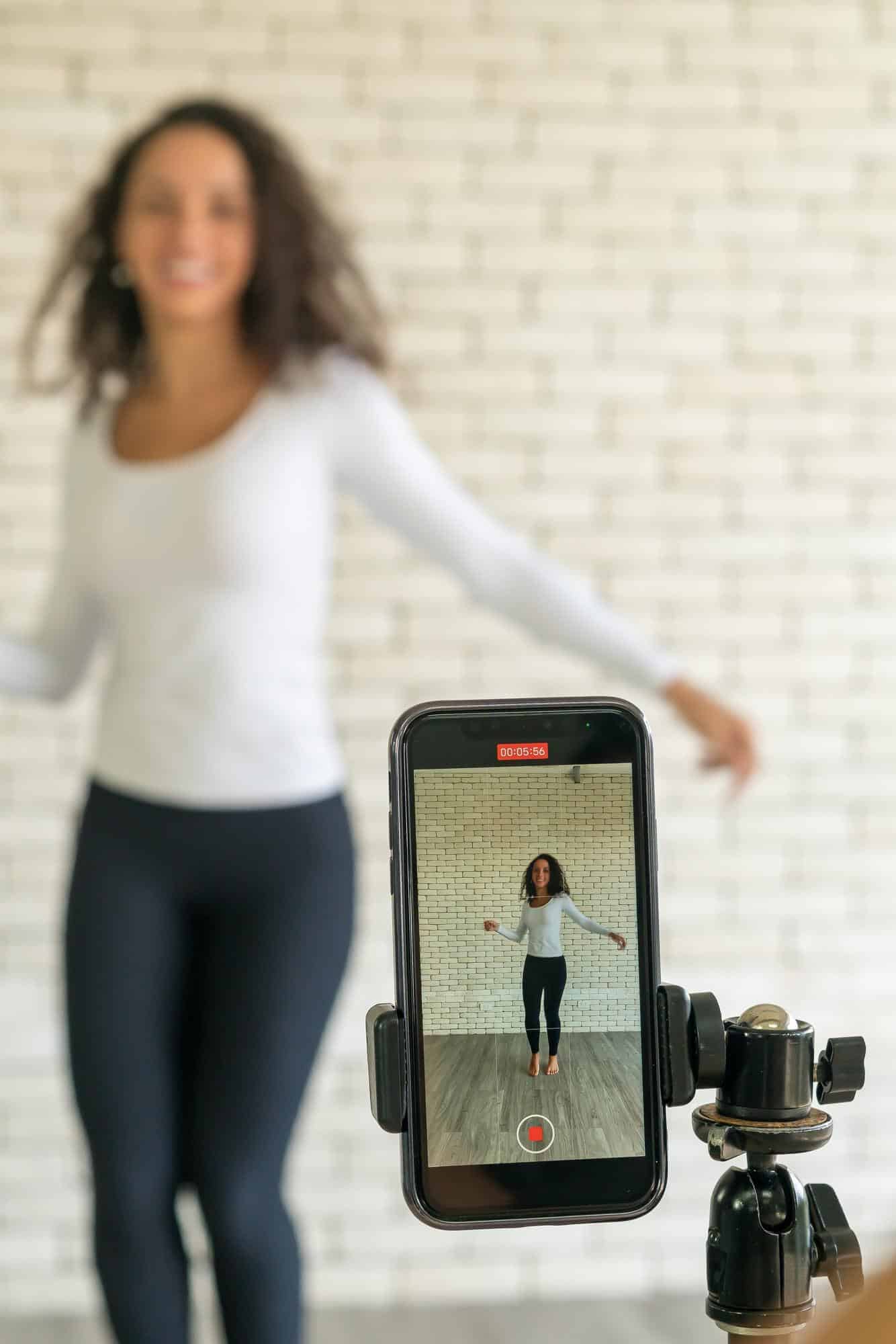
Post Powerful Video Ads on Vidifye: Your Step‑by‑Step Playbook
Posting video ads on Vidifye isn’t just another listing step—it’s your fastest route to selling. You’re about to learn how to shoot, polish, and post smartphone videos that grab attention and close deals. Follow this step-by-step playbook packed with pro tips and a handy checklist to get your free video ad live and in front of buyers today. Check the full guide here.
Film Like a Pro
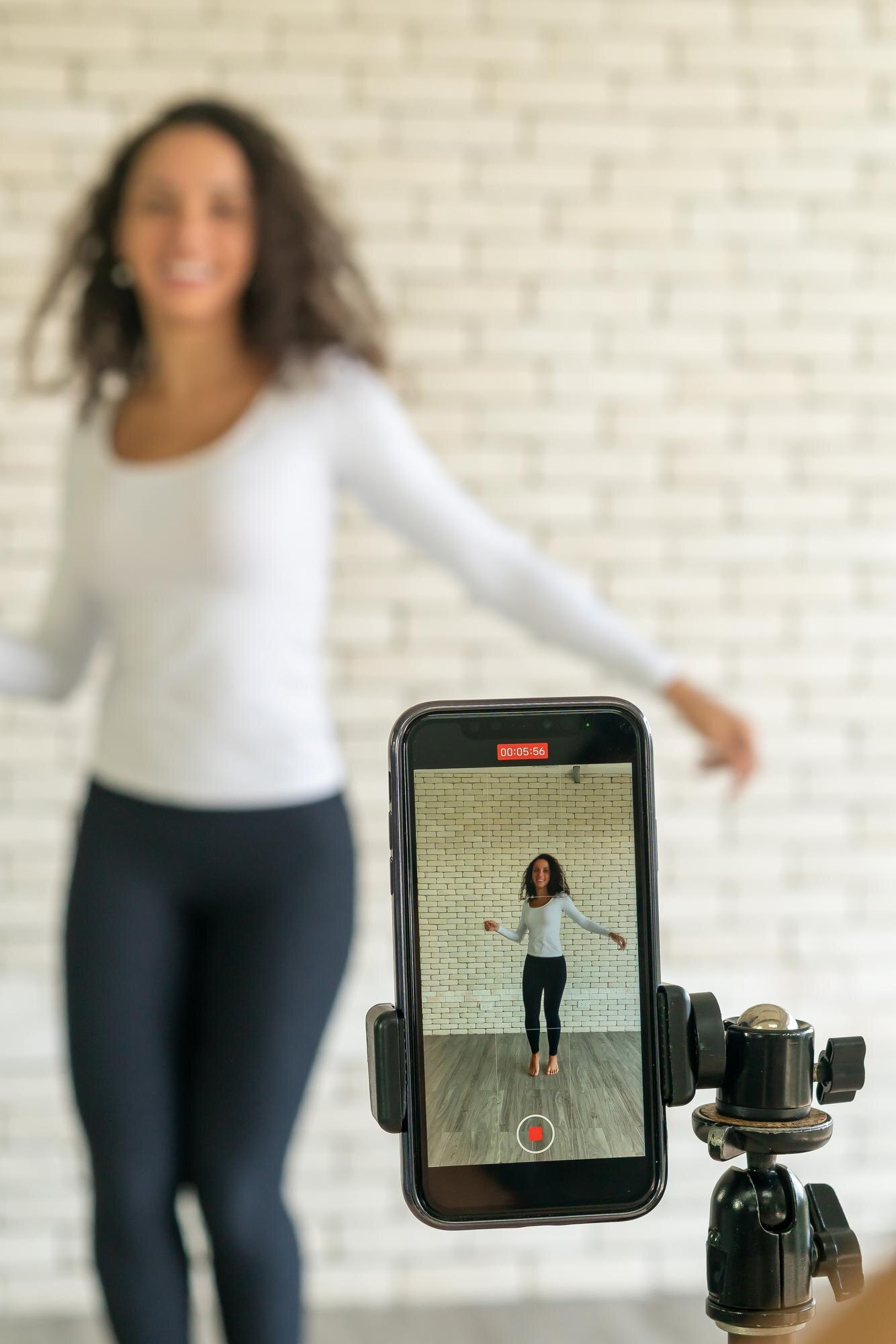
Creating a great video ad starts with your smartphone. Let’s unlock its potential to make your products shine.
Smartphone Setup Magic
The magic begins with your setup. Ensure your phone is charged and has enough storage space. This simple step saves you from interruptions later. Use both hands to steady your phone, or rest it on a solid surface. Need to show fine details? Tap to focus on your subject. This keeps your video sharp and clear. Now you’re ready to capture smooth, professional clips.
Capture Compelling Content
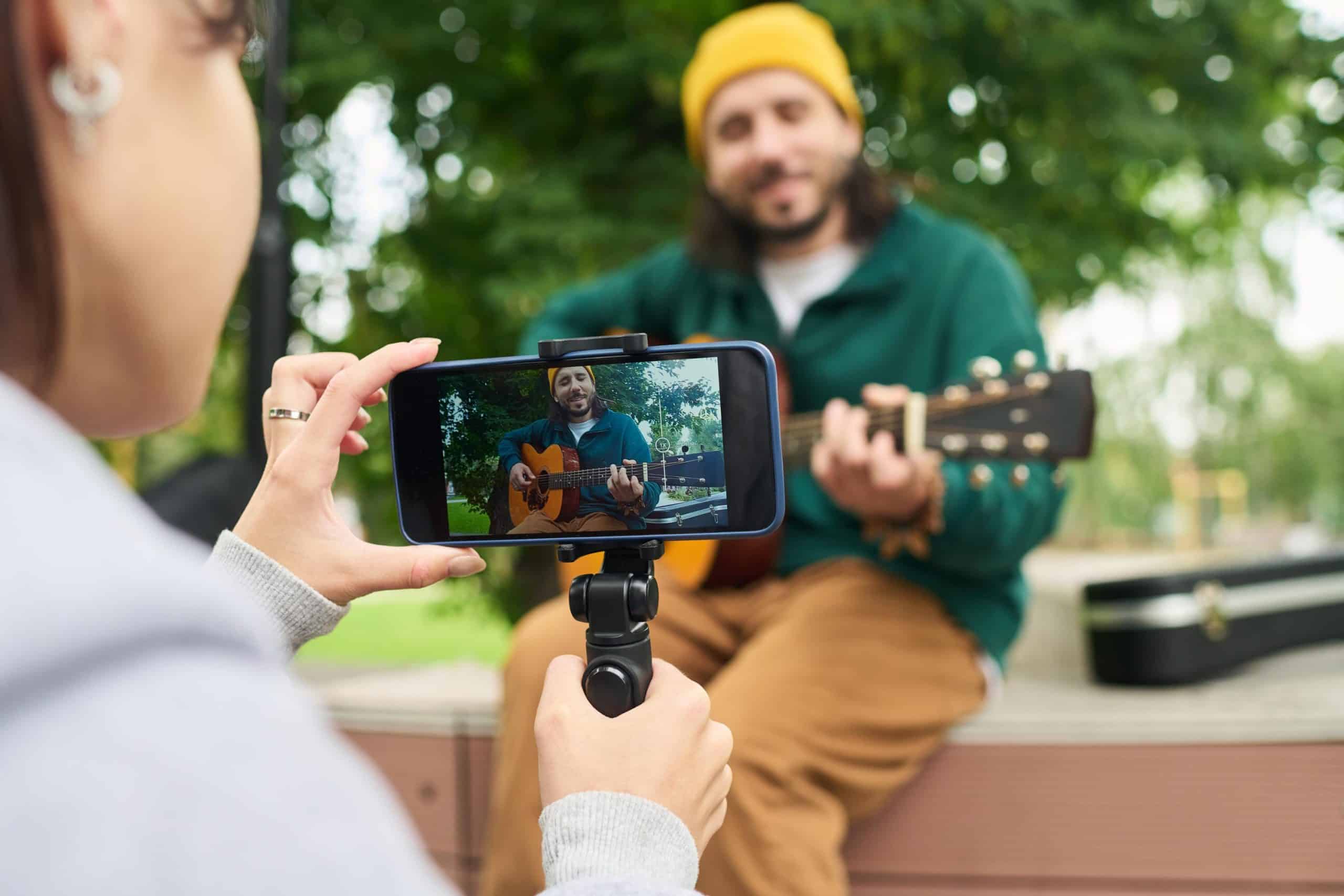
Content is king, even in video ads. Plan your shots to highlight key features. Start with an overview shot, then zoom in on unique details. This keeps viewers engaged and informed. Use movement to your advantage: walk around your item to show every angle. People love seeing products in action, so capture it being used.
Lighting and Audio Tips
Good lighting makes a huge difference. Natural light is your best friend. Film during the day near windows for soft, even lighting. Avoid filming against bright backgrounds which can darken your subject. As for audio, speak clearly and directly into your phone’s mic. Background noise can distract, so find a quiet spot or add captions for clarity.
Optimize for Success
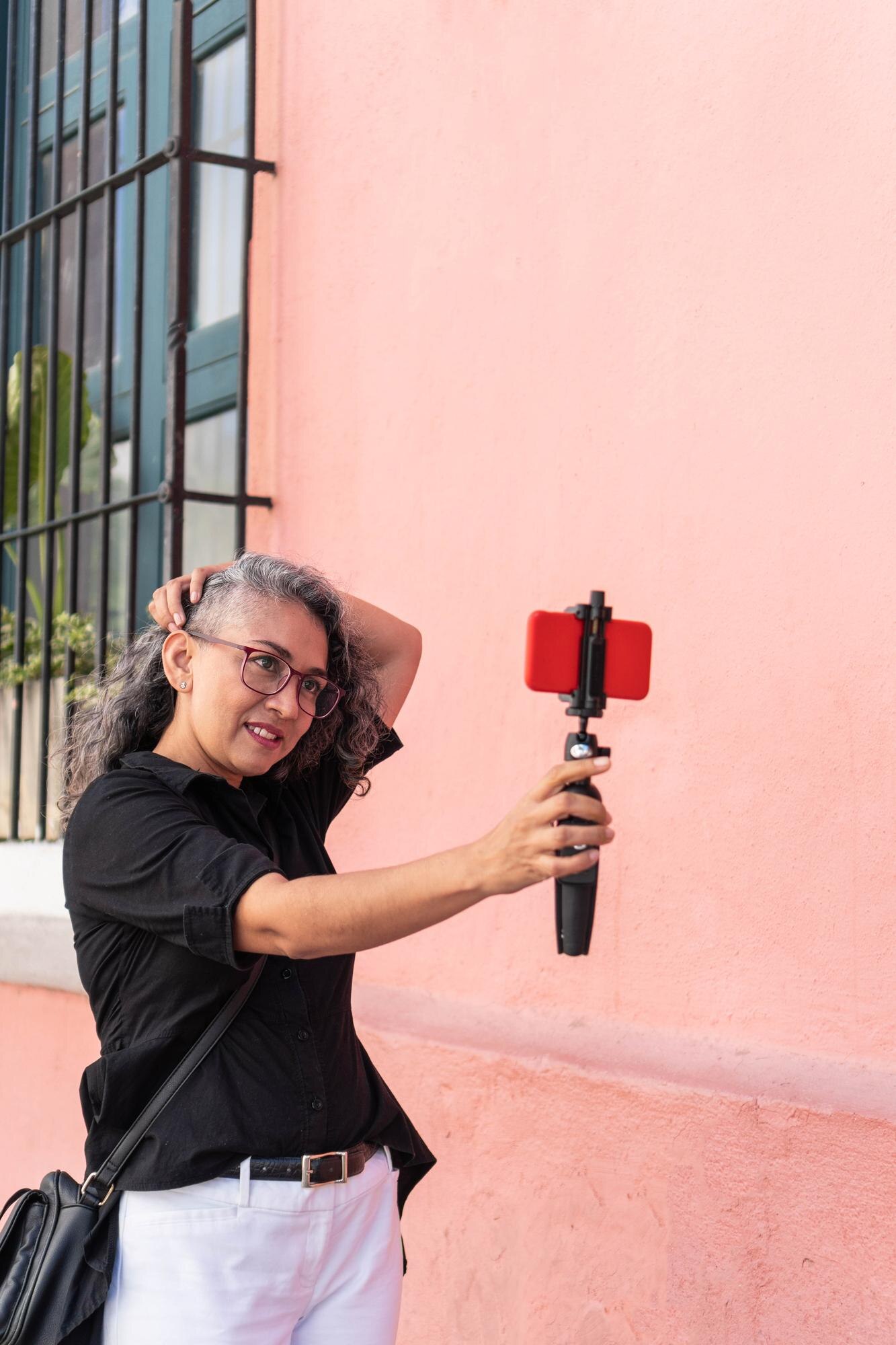
Now comes the fun part: editing. Polish your video to make it shine even brighter.
Enhance with Simple Edits
Simple edits can transform your video. Cut out any unnecessary parts to keep it concise. Use apps like iMovie or InShot for easy trimming. Add text overlays to emphasize key points, but keep them brief. Want to make it pop? Adjust the brightness or contrast to enhance colors.
Add Eye-Catching Thumbnails
Thumbnails are your video’s first impression. Choose a clear, enticing image to represent your ad. Use the most visually appealing frame from your video. If none stand out, consider taking a separate photo. A vibrant thumbnail can hook viewers instantly.
Craft Engaging Descriptions
Descriptions are where you seal the deal. Be clear and specific about what you’re selling. Include key details like size, condition, and any unique features. Answer common questions upfront to save time later. Invite viewers to reach out with questions or to schedule a viewing.
Post and Sell Faster

You’ve crafted your video. Now it’s time to get it in front of buyers.
Upload to Vidifye
Uploading to Vidifye is a breeze. Head to the site, log in, and select ‘Post a Video Ad.’ Follow the prompts to upload your video file. Remember to add your thumbnail and description. Your ad is almost ready to go live.
Boost Visibility with Tags
Tags help buyers find your listing. Use keywords that match what buyers might search for, like “Vidifye” or “video classifieds.” Include specific terms related to your item, such as “sell car with video” or “best way to sell motorcycle.”
Engage with Potential Buyers
Once your ad is live, engage with potential buyers. Respond promptly to inquiries and be ready to provide additional information. Building rapport can increase trust and the likelihood of a sale. The longer you wait, the more opportunities you might miss, so stay active!
By following these steps, you’re set to create compelling video ads that sell. Remember, your smartphone is all you need to connect with buyers quickly and effectively. Ready to see your listings gain traction? Get started today! For more tips, check out this guide.


One response to “Post Powerful Video Ads on Vidifye: Your Step‑by‑Step Playbook”
[…] set up, film, and promote videos that move your inventory quicker than ever before. Check out our step-by-step playbook to get started […]