
You don’t need fancy gear or long videos to sell faster with video. A crisp, 60-second walkaround video can answer your buyers’ top questions and get you more views and messages on Vidifye. In this post, you’ll learn exactly how to film a smartphone walkaround that cuts to the chase and drives sales—fast. Grab your phone, follow the checklist, and start posting free video ads today. For more tips, check out this guide.
Plan Your Perfect Walkaround Video
Creating a video that sells quickly starts with understanding what buyers need to know. Let’s break it down simply and make it happen.
Identify Key Buyer Questions
Buyers have questions, and your video should answer them fast. Start by thinking about the most common queries: What condition is the item in? Are there any special features? How does it look from different angles? Addressing these questions in your video helps build trust and engagement with potential buyers. A clear, honest approach can make them feel more confident about reaching out to you.
Create a Quick Shooting Checklist
Preparation is key. Outline what you want to cover in your video. Jot down a checklist of must-show features, such as interior shots, any unique characteristics, and any imperfections. A simple checklist saves time and ensures you don’t miss anything important. Remember, keeping the video under 60 seconds means sticking to the essentials.
Practice for a Smooth Delivery
Before hitting record, practice your delivery. This helps you stay relaxed and focused while filming. Rehearse your introduction, key points, and closing. A smooth delivery keeps viewers engaged and interested in your product. Plus, it helps you maintain a professional tone that can inspire confidence in buyers.
Filming Tips for a Smartphone Walkaround

With your plan in place, it’s time to capture your video. Follow these tips to make the most of your smartphone’s capabilities.
Perfect Your Lighting and Angles
Good lighting makes your video look professional. Shoot during the day when natural light is abundant. Position your item so the light highlights its best features. Capture different angles to give a comprehensive view. A well-lit video can make your ad stand out and attract more views.
Optimal Camera Settings
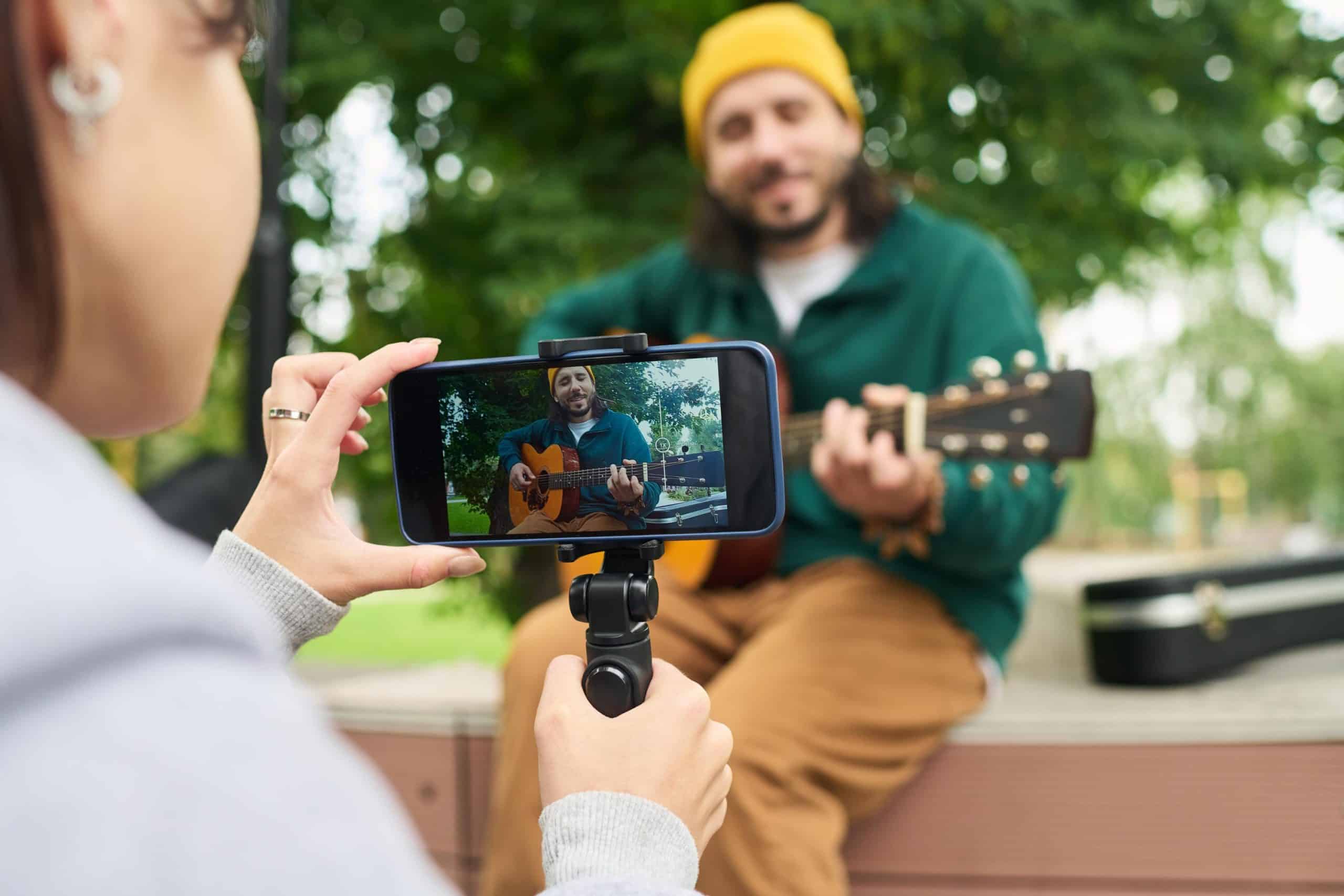
Your smartphone has settings that can enhance video quality. Use the highest resolution available, usually 1080p or 4K. Keep the camera steady for smooth shots—consider using a simple tripod or resting your phone on a stable surface. These adjustments ensure your video is clear and appealing.
Keep It Engaging and Concise
Remember, time is of the essence. Keep your video under 60 seconds by focusing on key details. Speak clearly and keep your points short. Adding a bit of personality can make your video more relatable and enjoyable. An engaging, concise video encourages viewers to watch till the end, increasing the chances they’ll contact you.
Post and Promote Your Video on Vidifye

Once you’ve filmed your video, it’s time to share it with the world. Let’s get it out there and start attracting buyers.
Craft a Compelling Video Title
Your video title is the first thing buyers see. Make it catchy and descriptive. Include essential details like the item’s key feature or condition, such as “Mint Condition Honda Civic with Low Mileage.” A strong title grabs attention and sets the expectation for what viewers will see.
Share Your Video Classifieds Widely
Reach as many potential buyers as possible by sharing your video across platforms. Post it on Vidifye and consider sharing links on social media or relevant online communities. The wider your reach, the higher your chance of finding the right buyer quickly.
Monitor Engagement and Respond Quickly
Once your video is live, keep an eye on engagement. Respond to comments and questions promptly. Quick responses show buyers you’re attentive and serious, which can help close sales sooner. The longer you wait, the more potential buyers you might lose to competitors.
Frequently Asked Questions
How do I make my walkaround video stand out?
Focus on clear, detailed visuals and address common buyer questions in under 60 seconds. Good lighting and steady filming enhance professionalism.
What should I include in my video title?
Include the item’s key features or conditions, like “Mint Condition” or “Low Mileage,” to attract viewers’ attention quickly.
How can I ensure my video reaches more buyers?
Post your video on Vidifye and share it across social media platforms and relevant online communities to maximize visibility.
What’s the best way to handle buyer inquiries?
Respond promptly and clearly to all questions and comments. Quick engagement shows you’re serious and helps build buyer trust.
Do I need special equipment to film my video?
No, your smartphone has everything you need. Focus on steady shots and clear audio to make an effective video.