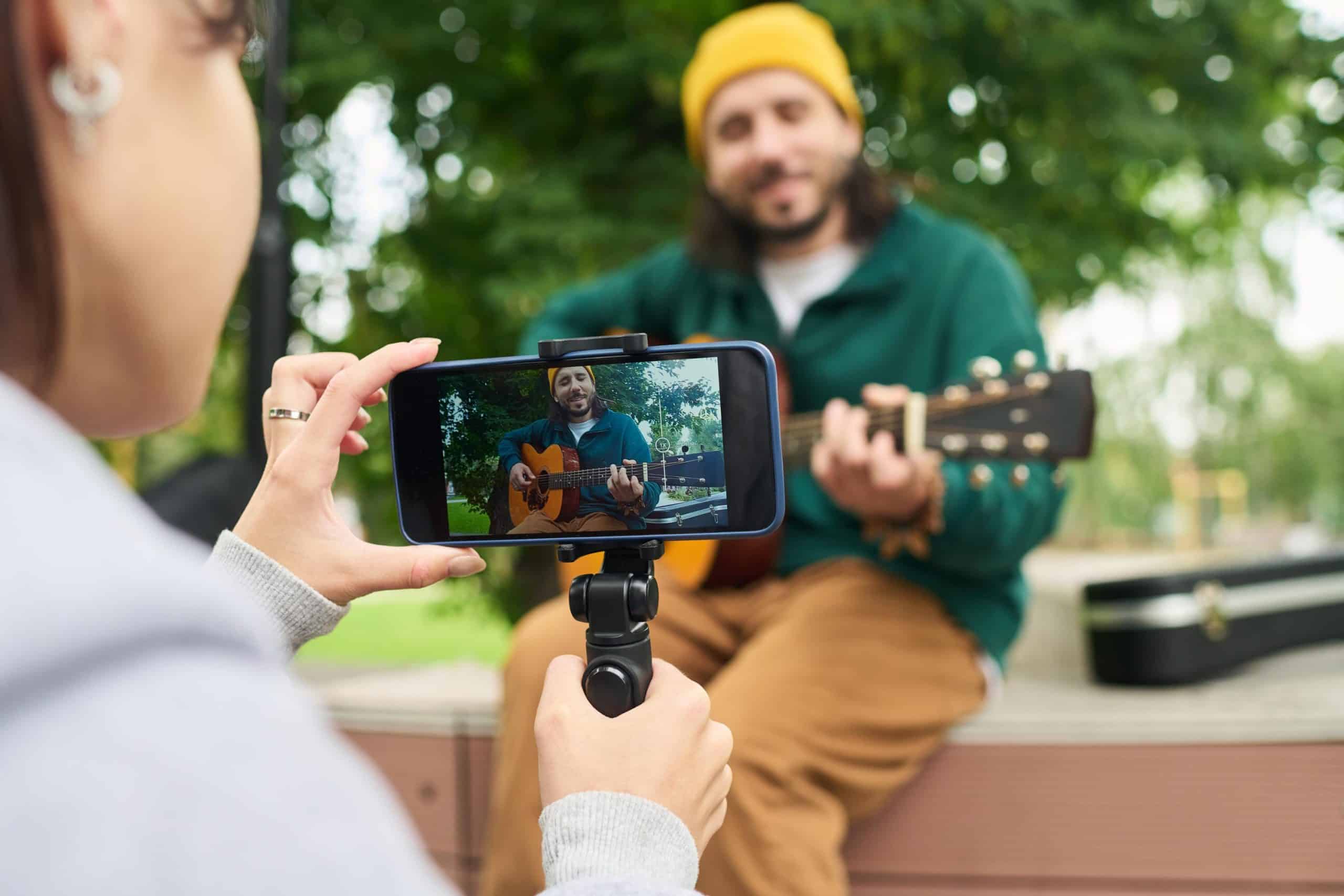


You’re wasting hours answering the same buyer questions over and over. That back-and-forth kills momentum and costs you sales. A quick walkaround video can fix that—show buyers exactly what they need in 60 to 90 seconds. Learn how to film a walkaround that sells using your smartphone, then post your free video ad on Vidifye to turn views into offers fast. For more insights, check out this guide.
Mastering the Walkaround Video
The magic of a great walkaround video is its ability to answer buyer questions swiftly. Let’s dive into making your smartphone the ultimate selling tool.
Perfecting Your Smartphone Setup
Start by preparing your phone. Ensure your camera lens is clean for clear shots. Set your video resolution to 1080p for optimal clarity. Avoid using filters, as they can distort the true look of your item. Lighting is key: film during the day if possible, using natural light to your advantage. If indoors, ensure the space is well-lit. Hold your phone steady or use a simple tripod for smooth movement.
Once your setup is ready, practice a few test shots to get comfortable with angles and lighting. Move slowly to avoid shaky footage. Capture every angle of your product, focusing on details like texture or features. A wider shot captures the whole item, while close-ups highlight specifics. Remember, your phone is a powerful tool; use it wisely to entice buyers.
Key Steps to Filming Success
Begin your video with a warm introduction. A simple greeting and a quick mention of what you’re selling can set the tone. Next, follow a logical path around your product. Start with the front, move to the sides, and finish at the back. This method keeps the viewer engaged and provides a comprehensive view.
Highlight key features using clear and concise language. If it’s a car, mention the mileage and condition. For a house, point out unique architectural details. Keep your sentences short to maintain interest. Once you’ve covered the basics, add a personal touch. Share why you loved the item or a unique feature that sets it apart.
End with a call to action. Encourage viewers to reach out with questions or offers. This simple close can be the nudge they need to take the next step.
Answering Buyer Questions Fast

A well-crafted walkaround video does more than showcase a product; it answers potential buyer queries before they even ask. Let’s explore how to make this happen.
The 7-Step Walkaround Script
-
Introduction: Greet your audience and state the product you’re showcasing.
-
Front View: Start with a wide shot of the front, highlighting any notable features.
-
Side View: Move to each side, pointing out details like rims or doors.
-
Back View: Capture the rear, noting any unique elements like a spoiler or rear camera.
-
Interior/Inside View: If applicable, show the inside, emphasizing comfort or features.
-
Unique Features: Zoom into special components, such as premium finishes or high-tech gadgets.
-
Conclusion and CTA: Wrap up by inviting inquiries and emphasizing ease of purchase.
Following this script ensures you cover all aspects buyers care about, reducing repetitive questions.
Building Trust Through Video
Trust is pivotal in sales. Videos can bridge the gap between online listings and in-person inspections. Authenticity is crucial; hence, avoid over-editing or embellishing. Let the product speak for itself. A genuine approach builds credibility, showing potential buyers you have nothing to hide.
Consider adding a personal touch by mentioning how the product served you well. Authentic stories resonate with viewers, creating a connection that makes them more likely to buy.
Posting Your Video Ad on Vidifye

Now that you’ve crafted your video, it’s time to share it with the world. Vidifye is the perfect platform for making your listing shine.
Why Vidifye is Your Best Choice
Vidifye stands out as a user-friendly platform designed for video-first selling. It’s free to use, allowing you to reach a vast audience without any cost. By focusing solely on video content, Vidifye ensures your product stands out, engaging buyers with a dynamic view rather than static images. Unlike traditional platforms, Vidifye emphasizes simplicity and effectiveness, making it an ideal choice for sellers wanting to connect with genuine buyers.
Turning Views into Offers Quickly 🚀
The final step is to convert interest into sales. Use Vidifye’s features to enhance your listing. Add clear, concise descriptions alongside your video. Engage with viewers by responding promptly to inquiries. The more active you are, the more trust you build. Remember, every view is a potential buyer. The faster and more effectively you engage, the quicker you’ll see results.
Embrace the power of video on Vidifye to transform your sales approach, showcasing your product in a way that static images simply can’t match.
Frequently Asked Questions
How can I make my walkaround video more engaging?
Keep your video concise and focus on key features. Use natural lighting for clarity, and speak clearly about the benefits of your product.
What if I don’t have a tripod for my filming?
No worries! Hold your phone with both hands for stability or rest it on a solid surface to avoid shaky footage.
Why should I choose Vidifye over other platforms?
Vidifye emphasizes video content, offering a free, user-friendly interface to reach a broader audience without the clutter of traditional classifieds.
Can I edit my video after filming?
Yes, but keep edits simple to maintain authenticity. Basic trimming and adding text overlays can enhance your video without overcomplicating it.
What smartphone settings are best for filming?
Set your resolution to 1080p for clear quality, and make sure your lens is clean for the best shots. Use natural lighting to enhance visibility.