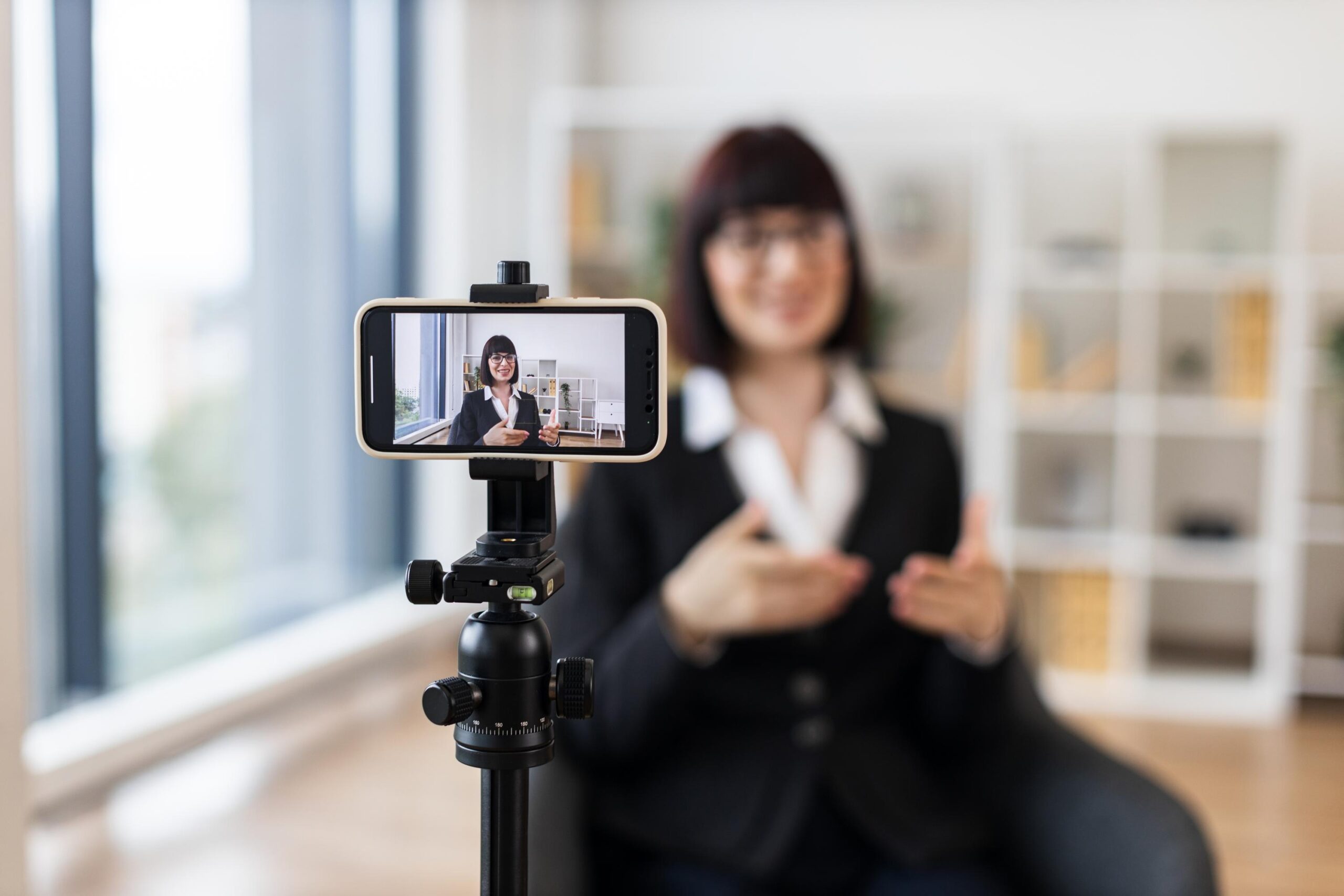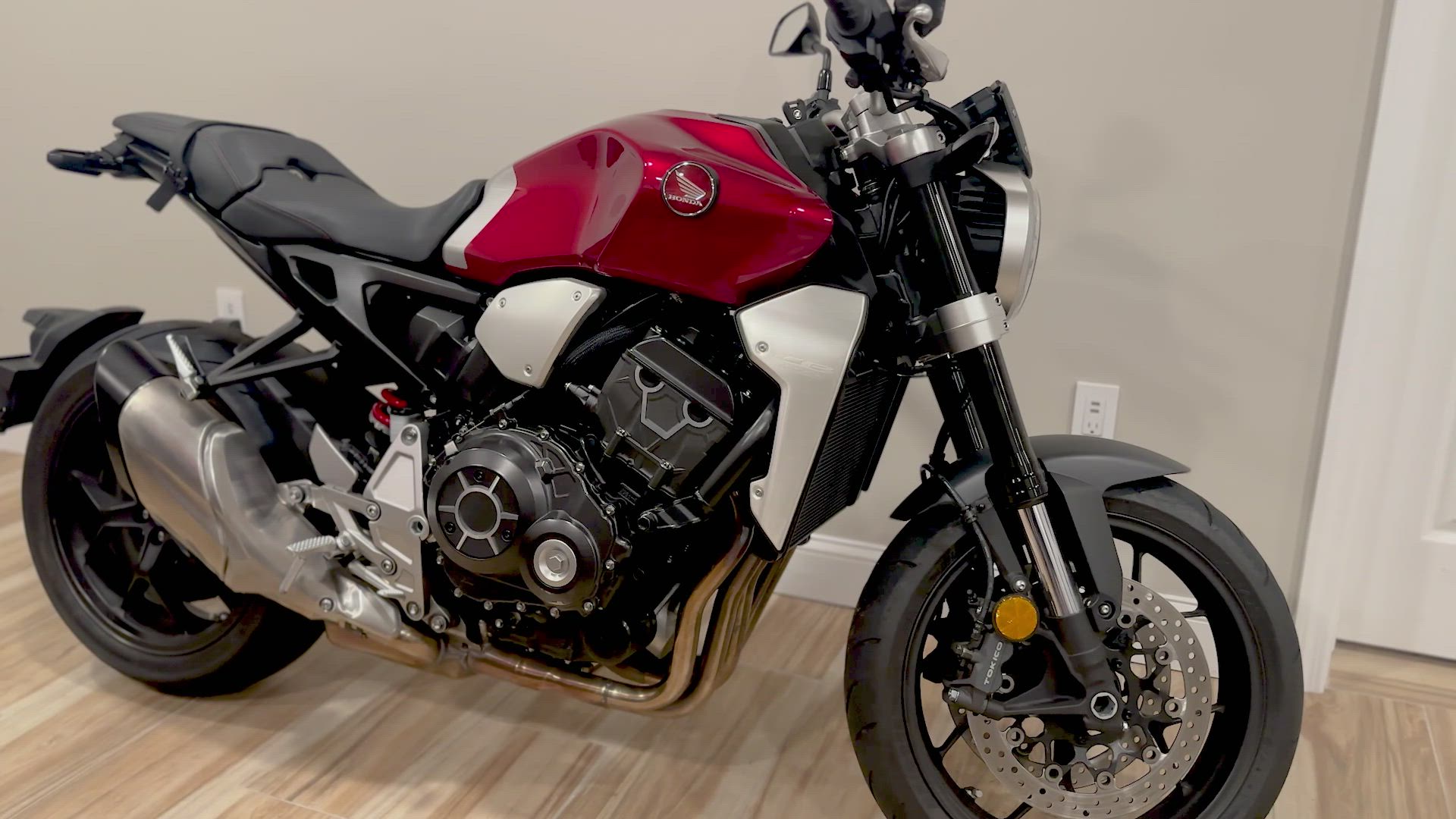


Static photos don’t cut it anymore. Buyers want to see every angle, hear the engine, and feel the vibe before they meet you. Your smartphone video listing can do all that — if you know what to capture. This checklist breaks down exactly what to include to make your listing clear, confident, and ready to sell fast on Vidifye.
Essential Video Elements
Quick Hook for Engagement
Grab attention immediately by starting your video with a catchy hook. Show the most eye-catching feature first. Whether it’s a shiny new car, a sparkling piece of jewelry, or a cozy real estate spot, make sure it stands out. This immediate visual appeal will draw viewers in, setting the stage for the rest of your listing. Remember, first impressions matter — make yours count.
Full Walkaround Demonstration
A comprehensive walkaround ensures buyers see every angle. For a vehicle, highlight the exterior, interior, and under the hood. If it’s real estate, capture each room, focusing on unique features like fireplaces or large windows. This thorough view builds transparency and trust. Move at a steady pace so viewers don’t miss key details. By showing the full picture, you give buyers the confidence they need to proceed.
Highlight Key Features
Pinpoint the standout features that make your item special. Is it the low mileage of a used car? The stunning view from an apartment window? Or the craftsmanship of a handcrafted piece of jewelry? Focus on three or four main selling points. Use close-ups for intricate details, ensuring buyers can appreciate the quality. Highlighting these features not only informs but also persuades, enhancing your listing’s appeal.
Perfecting the Presentation
Steady Framing Tips
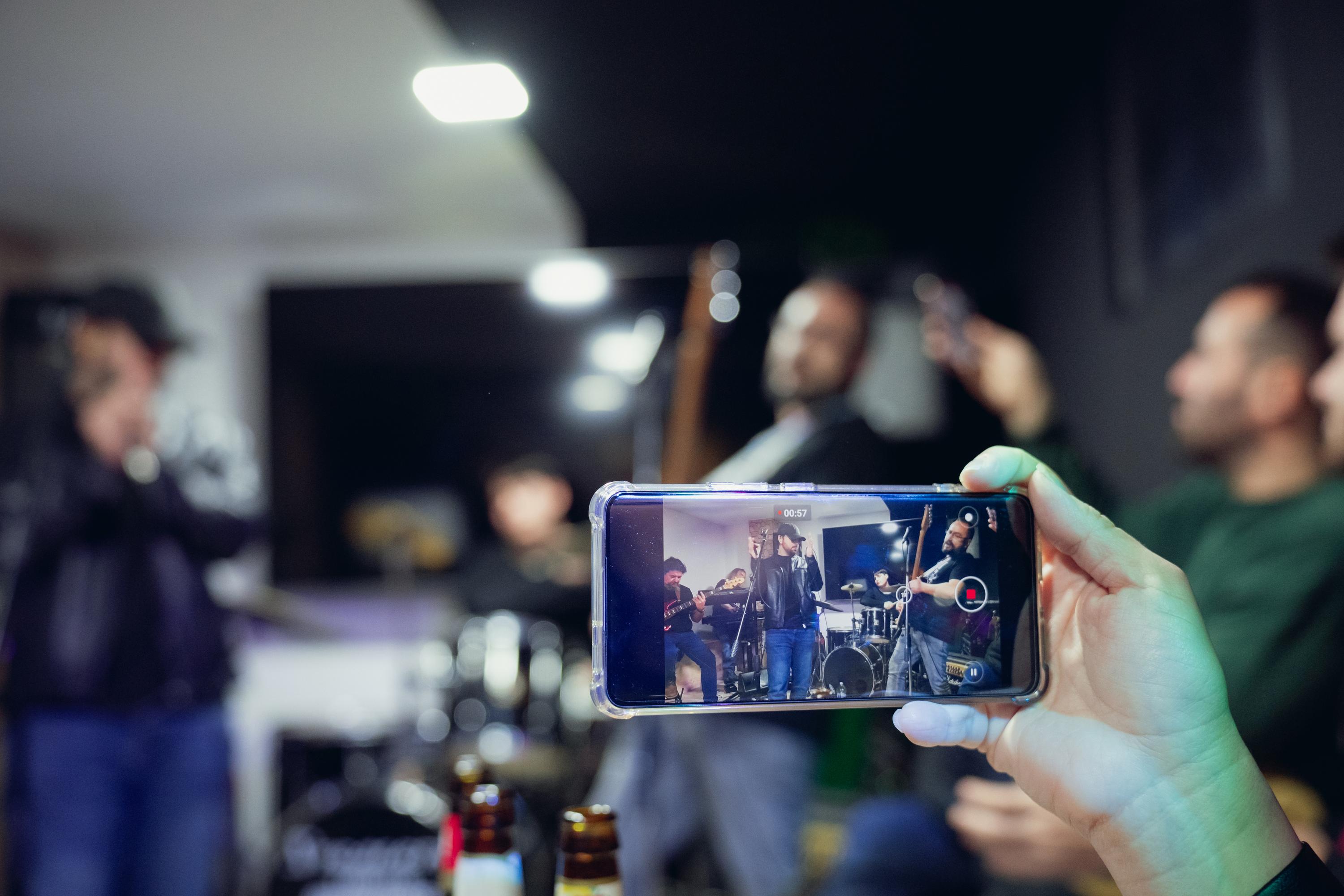
Shaky videos can be off-putting. To maintain steady framing, use both hands on your smartphone. Consider leaning against a stable surface for added support. A smooth, stable video helps viewers focus on the product rather than distracting movements. Keep the item centered in the frame to ensure it remains the focal point. A steady hand results in a professional-looking video that holds attention.
Leveraging Natural Light
Natural light can enhance the appearance of your item significantly. Film during daylight hours, ideally in the morning or late afternoon when the light is soft. Position your product near a window or photograph it outside for the best lighting. Avoid harsh midday sun, which can create unwanted shadows. Proper lighting ensures your item looks its best, enhancing color and detail.
Clear Audio Techniques
Good audio is crucial, especially if you’re narrating the video. Speak clearly and at a moderate pace. If outside noise is an issue, consider using a simple clip-on microphone. Avoid windy areas that can distort sound. Clear audio supports your visual content and ensures your message is heard. Strong narration can guide the viewer, emphasizing key selling points effectively.
Final Touches and Upload
Adding Captions for Clarity
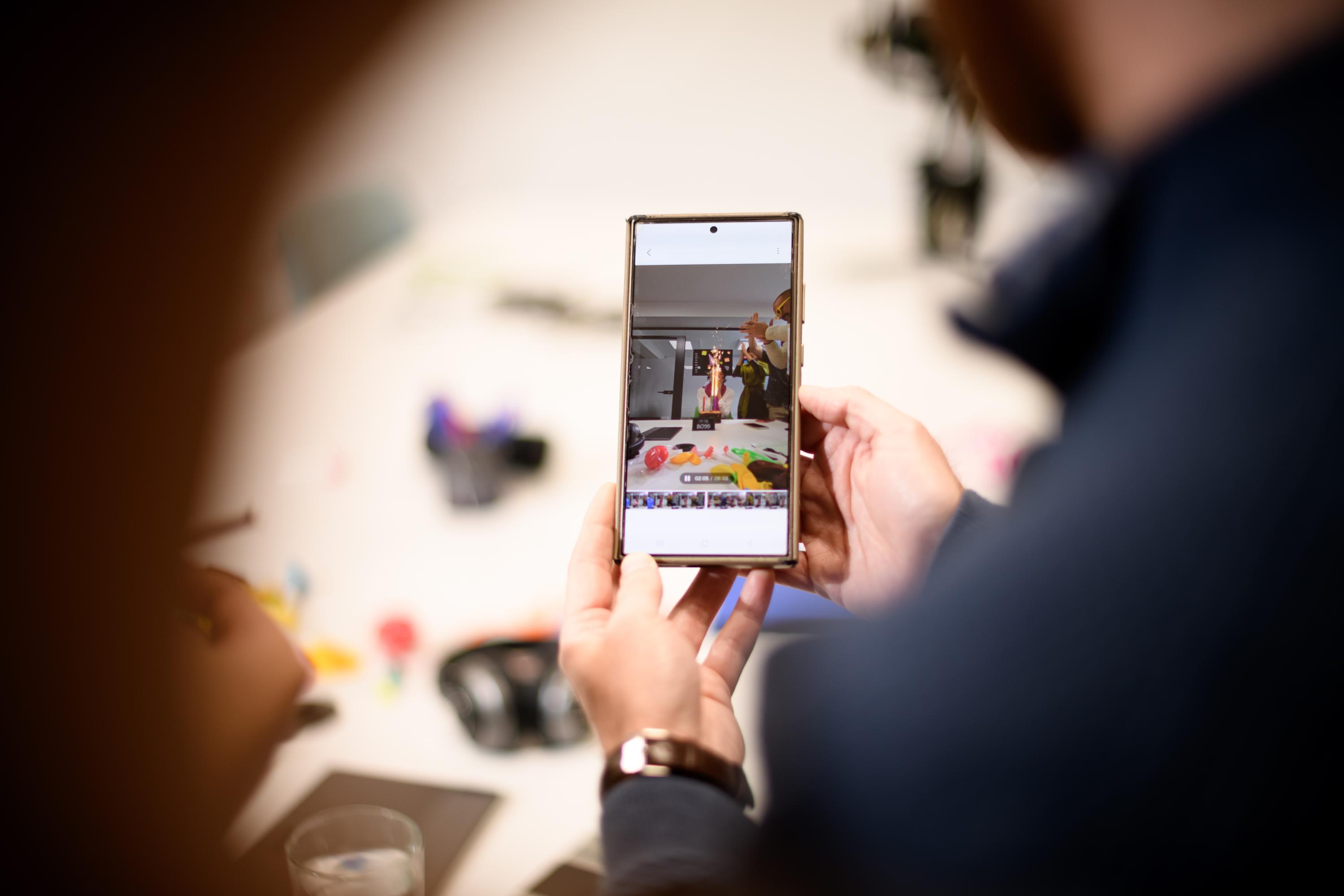
Captions reinforce your message and help viewers who might be watching on mute. Highlight key details like price, contact info, or unique features. This visual aid complements your audio, ensuring nothing is missed. Use clear, concise language for easy reading. Captions provide an extra layer of information, enhancing viewer understanding and engagement.
Pricing and Contact Information
Make it easy for interested buyers to reach out. Clearly display the price and your preferred contact method. Whether it’s an email, phone number, or website, ensure this information is visible at the video’s end. A clear call to action encourages immediate responses. By providing straightforward contact details, you facilitate a smoother transaction process.
Confident Sign-off and CTA
Close with a strong, confident sign-off. Reiterate why your item is worth purchasing and encourage viewers to take action. A call to action might be as simple as, “Contact me today to learn more!” or “Schedule a viewing now!” A compelling sign-off reinforces your message and prompts buyers to move from interest to action.
Frequently Asked Questions
How do I keep my smartphone video steady?
Use both hands and consider leaning against a stable surface to minimize shake. This provides a smoother, more professional appearance.
What time of day is best for filming with natural light?
Film in the morning or late afternoon when the light is soft and even. Avoid harsh midday sun to prevent unwanted shadows.
Why should I add captions to my video?
Captions reinforce your message for viewers who may watch on mute. They highlight key details like price and contact info, ensuring your audience receives all necessary information.